Choose four quadrants (−10 to 10 by default) or first quadrant only, set how far the axes go, and pick 1, 2, 4 or 6 grids per page to fit a whole worksheet on one sheet.
What people use it for
- Plotting points and ordered pairs
- Graphing linear equations and functions
- Transformations: reflections, rotations and translations
- Coordinate grid pictures and games
How to print it
- Choose the paper type, grid size and paper size above. The preview updates as you go.
- Click Download PDF (or Print to open it straight away).
- In the print dialog, set the scale to 100% or Actual size so the grid measures exactly what you selected.
More free templates
 Free Printable Graph Paper
 Printable Grid Paper
 1/4 Inch Graph Paper (Quad Paper)
 5mm Graph Paper
 1 cm Graph Paper (Centimeter Grid)
 1 Inch Graph Paper
 Engineering Paper
 Dot Grid Paper
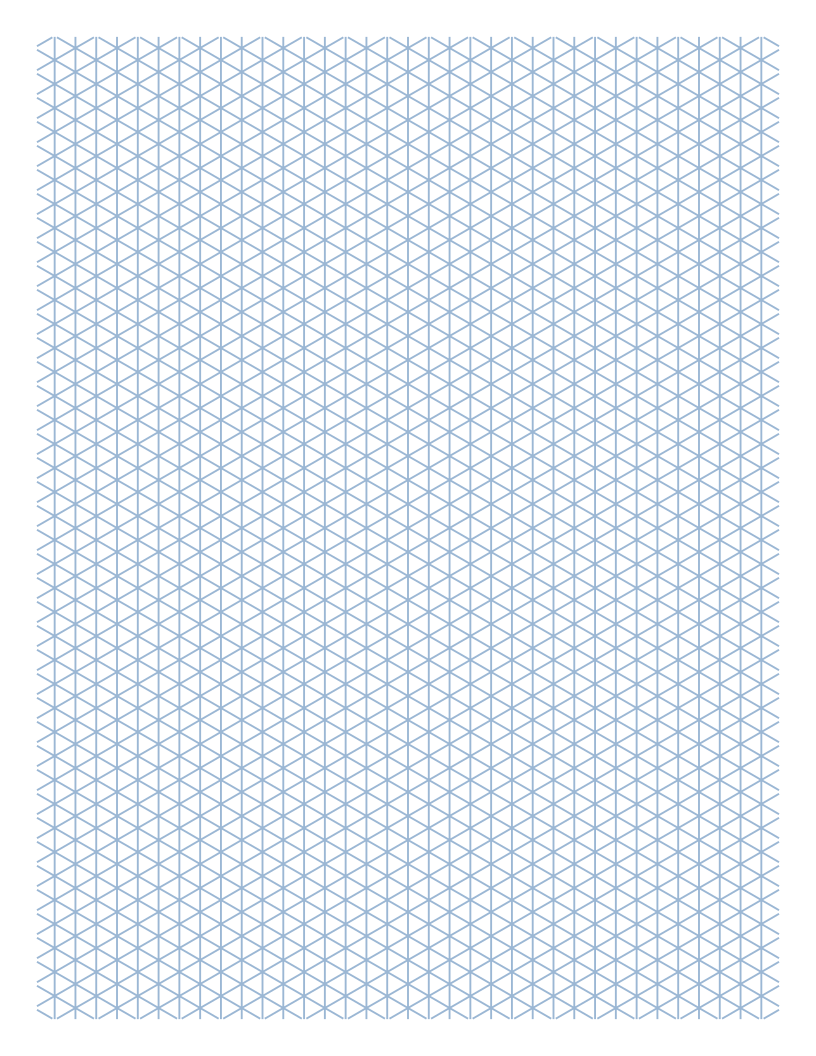 Isometric Graph Paper
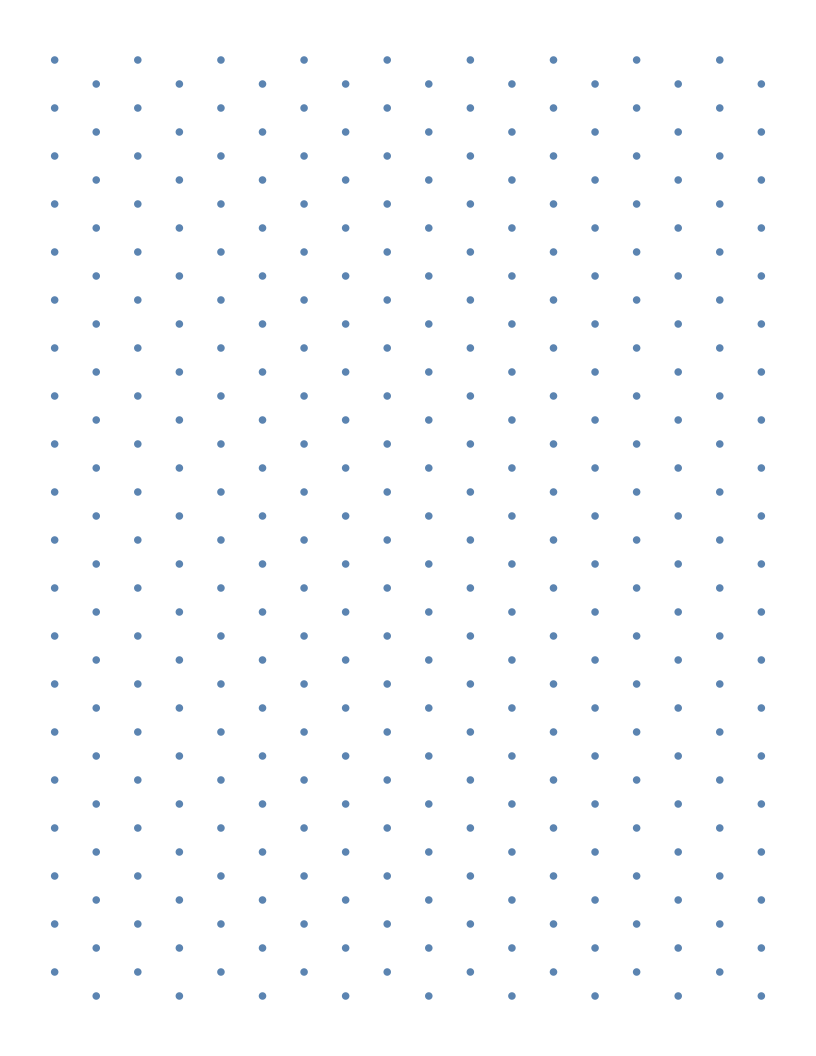 Isometric Dot Paper
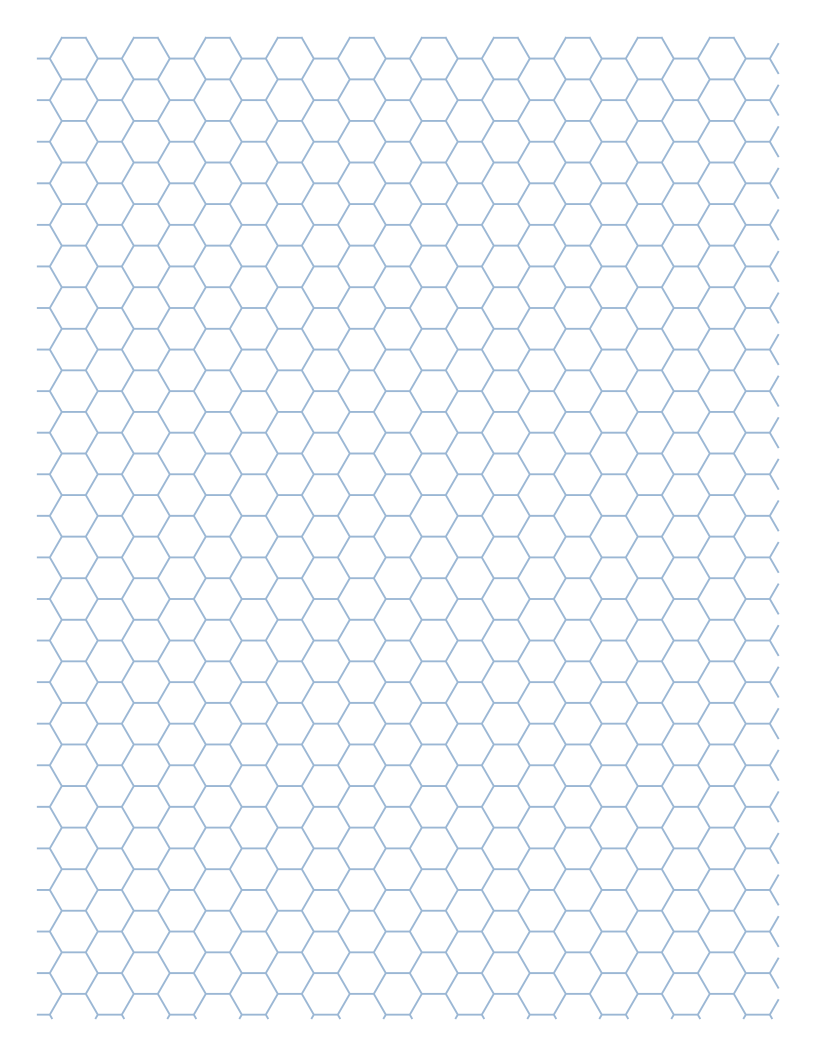 Hexagonal Graph Paper
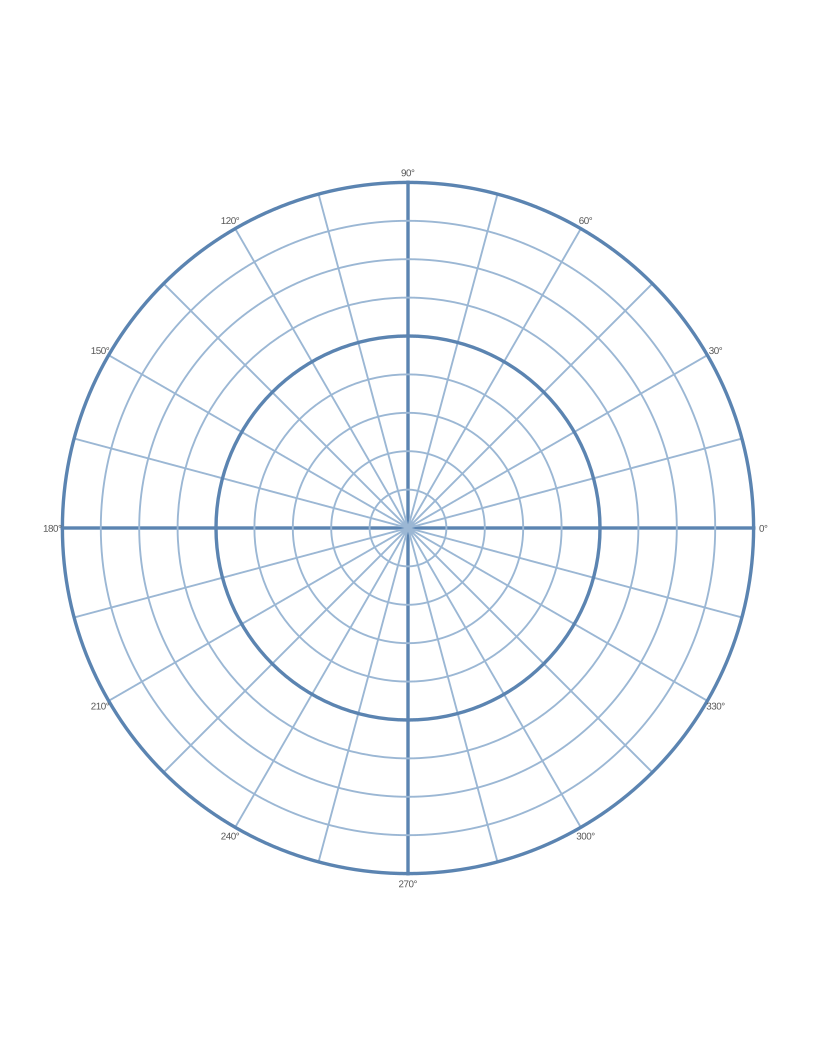 Polar Graph Paper
 Printable Lined Paper
 A4 Graph Paper
Frequently asked questions
What is the difference between a coordinate grid and graph paper?
Graph paper is just the grid. A coordinate grid adds labelled x and y axes and numbers, so points can be described with ordered pairs like (3, −2).
Can I print a first-quadrant coordinate grid?
Yes. Tick "First quadrant only" and the axes will start at 0 in the bottom-left corner — useful for younger students and for data plots.
How many coordinate planes can I fit on one page?
Up to six. Four grids from −10 to 10 on US Letter is a common worksheet layout.