
Pick a square size, set the paper to A4 or Letter and download a PDF. The PDF uses vector lines rather than a fixed-resolution image. Line visibility still depends on your printer, ink and paper; try a darker color or thicker line if a test print is faint.
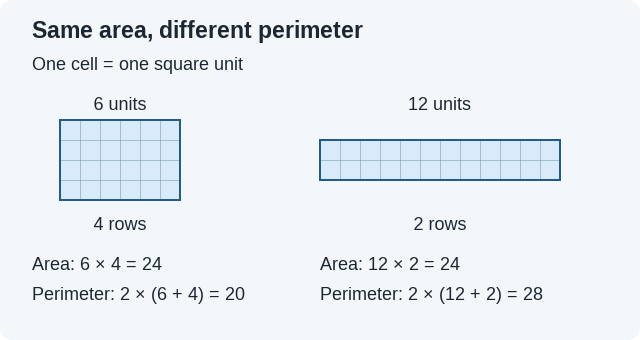
To compare area and perimeter, select a 1 cm grid and draw a rectangle 6 squares wide and 4 squares tall. It covers 24 squares: an area of 24 square centimetres. Trace its outside edge to count 6 + 4 + 6 + 4 = 20 centimetres of perimeter. A 12 by 2 rectangle has the same area but a perimeter of 28 centimetres. Print at 100% and check that 10 squares span 10 cm before treating these as physical measurements; on a resized sheet, use square units instead.
What people use it for
- Drawing and scaling artwork with the grid method
- Designing mosaics, quilts, tiles and embroidery patterns
- Planning room layouts or garden beds at a fixed scale
- Teaching area, perimeter and multiplication with arrays
How to print it
- Choose the paper type, grid size and paper size above. The preview updates as you go.
- Click Download PDF (or Print to open it straight away).
- In the print dialog, set the scale to 100% or Actual size and match the PDF paper size to the paper in the tray. Measure a known grid length with a ruler before using the printout for scale work.
More free templates
 Free Printable Graph Paper
 1/4 Inch Graph Paper (Quad Paper)
 5mm Graph Paper
 1 cm Graph Paper (Centimeter Grid)
 1 Inch Graph Paper
 Engineering Paper
 Dot Grid Paper
 Isometric Graph Paper
 Isometric Dot Paper
 Hexagonal Graph Paper
 Coordinate Grid Paper
 Polar Graph Paper
 Printable Lined Paper
 A4 Graph Paper
 1/8 Inch Graph Paper
 1/2 Inch Graph Paper
 Millimeter Graph Paper
 2 mm Graph Paper
 10 Squares per Inch Graph Paper
 11 × 17 Graph Paper
 A3 Graph Paper
 Legal Size Graph Paper
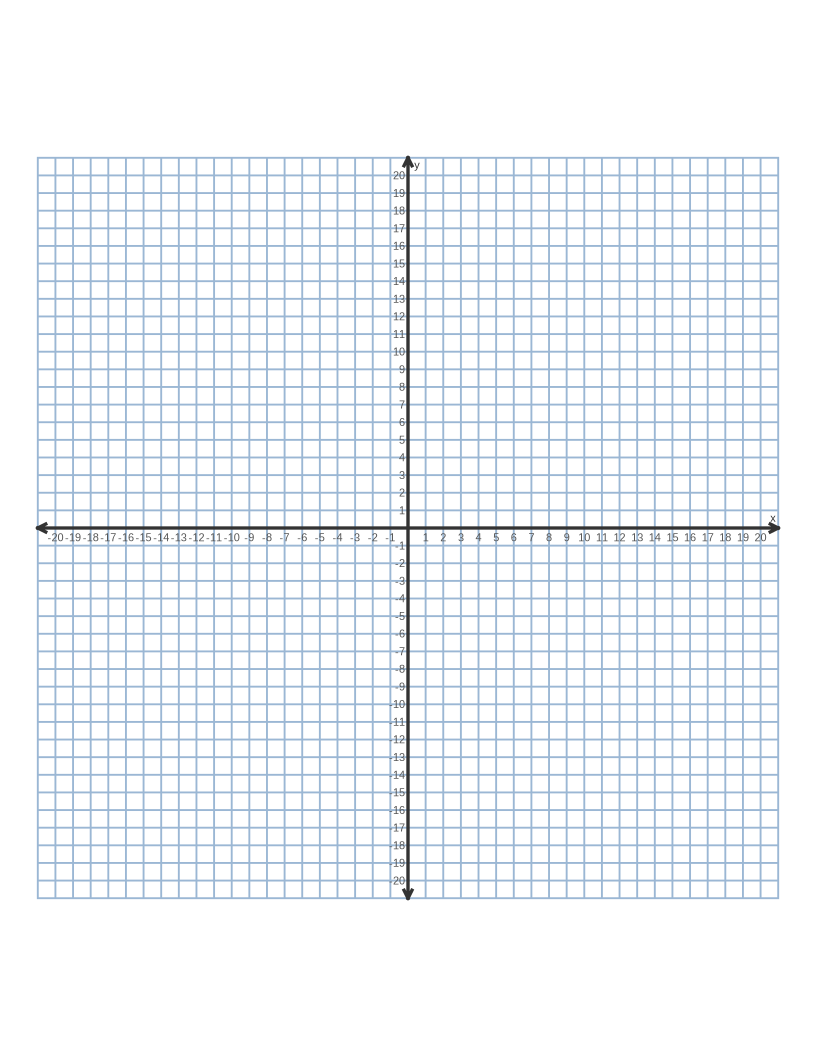 Graph Paper with Numbers
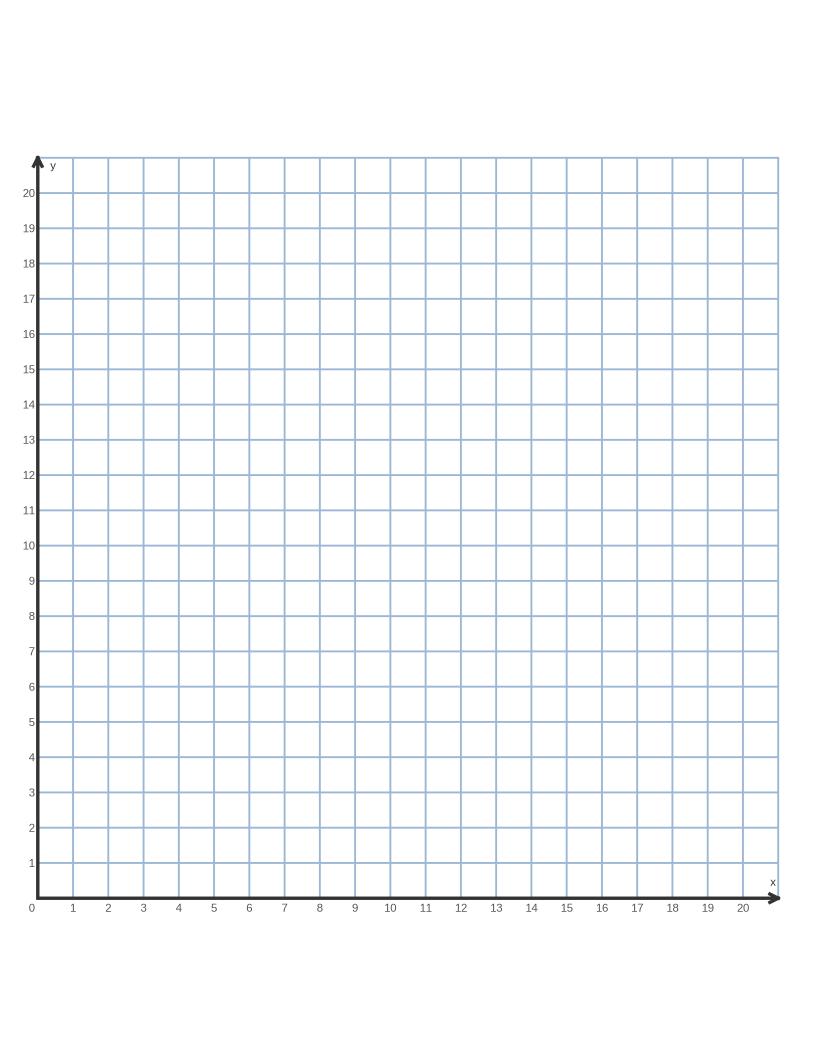 First Quadrant Graph Paper
 Printable Handwriting Paper
 Primary Writing Paper with Picture Box
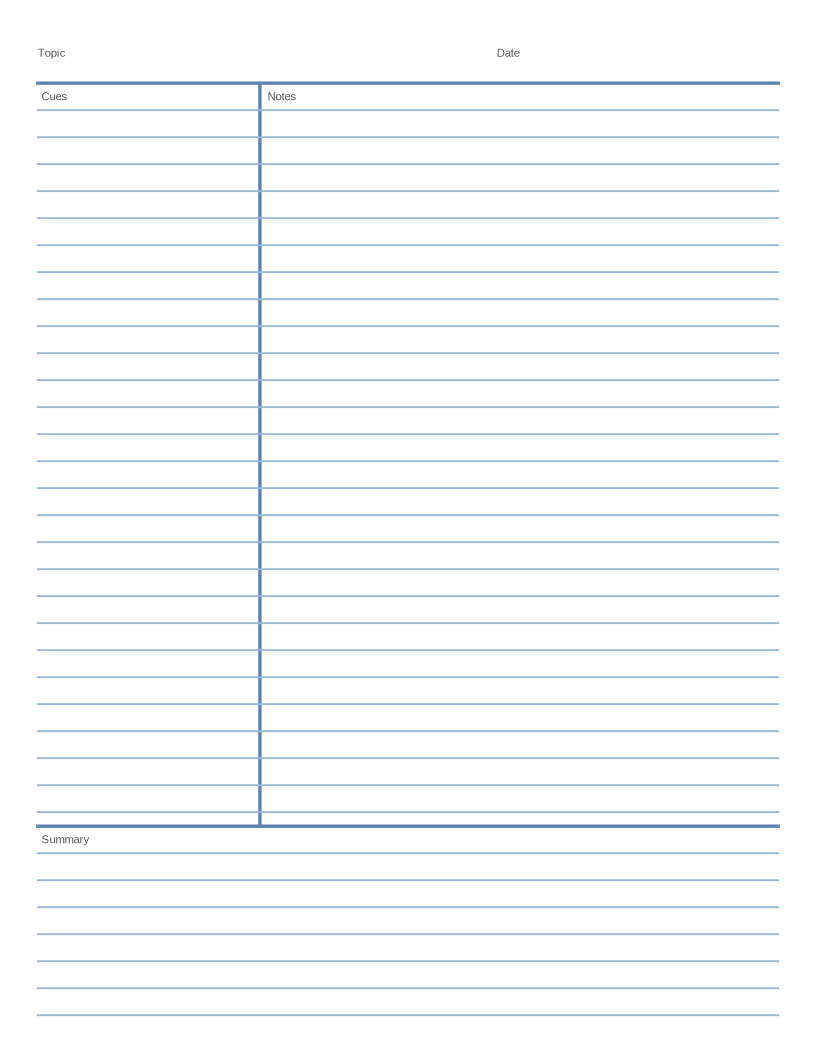 Cornell Notes Template
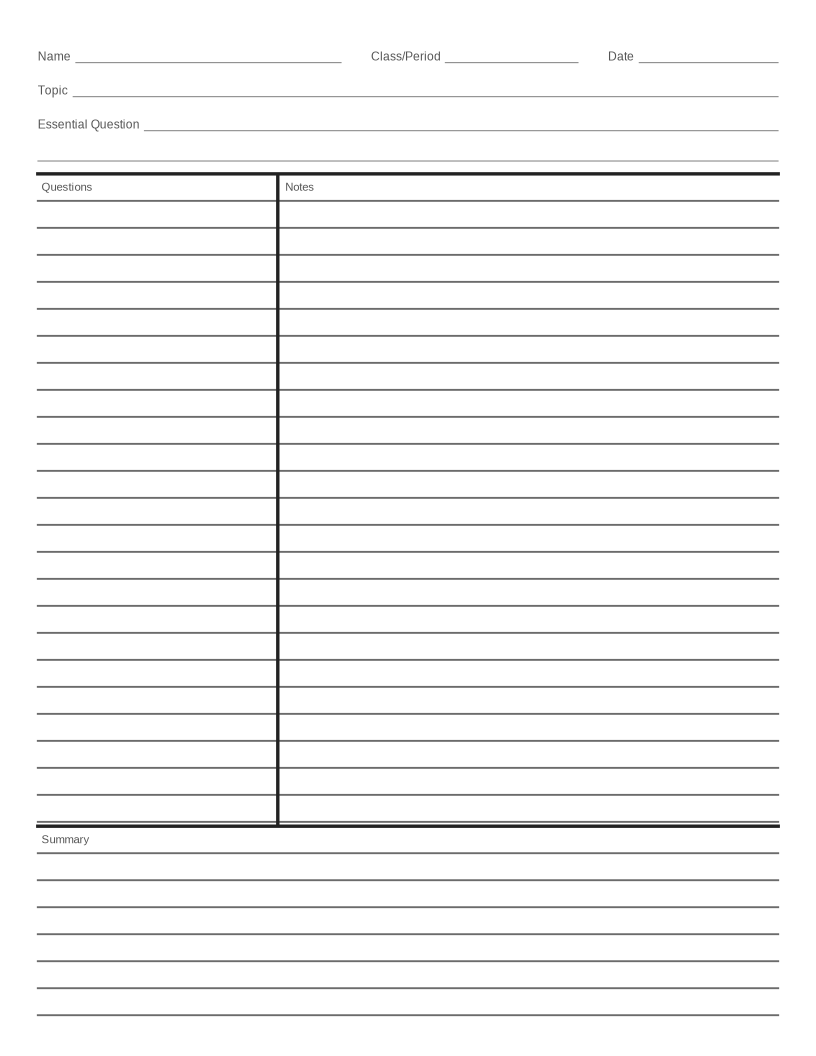 AVID Cornell Notes Template
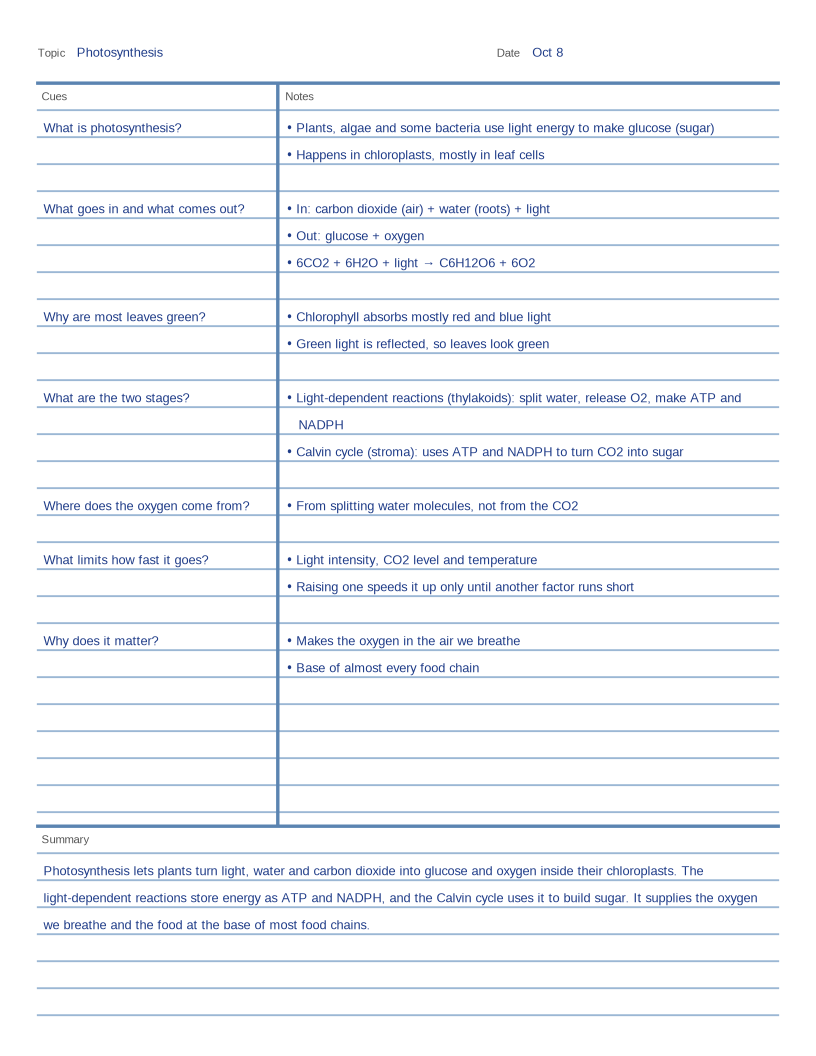 Cornell Notes Examples
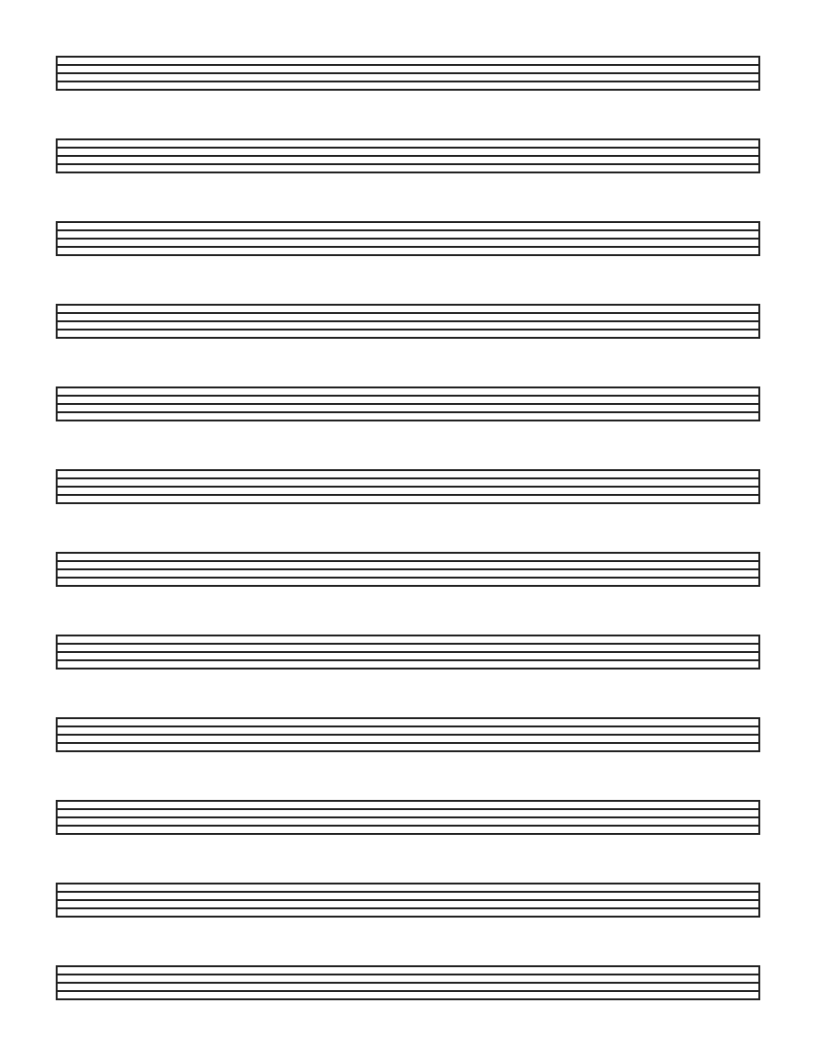 Blank Sheet Music (Music Staff Paper)
 Printable Storyboard Template
Frequently asked questions
What is the difference between grid paper and graph paper?
There is no real difference. Both are sheets of evenly spaced squares. "Graph paper" is more common in the US, "grid paper" in the UK and Australia.
What size grid should I choose?
5 mm squares suit writing and detailed sketches. 1 cm squares are easier for young children and for large diagrams. 1/4 inch is the US equivalent of 5–6 mm.
Can I print grid paper without margins?
Set the margin to 0 mm. Most home printers cannot print right to the edge, so a few millimetres at the border may be cut off.