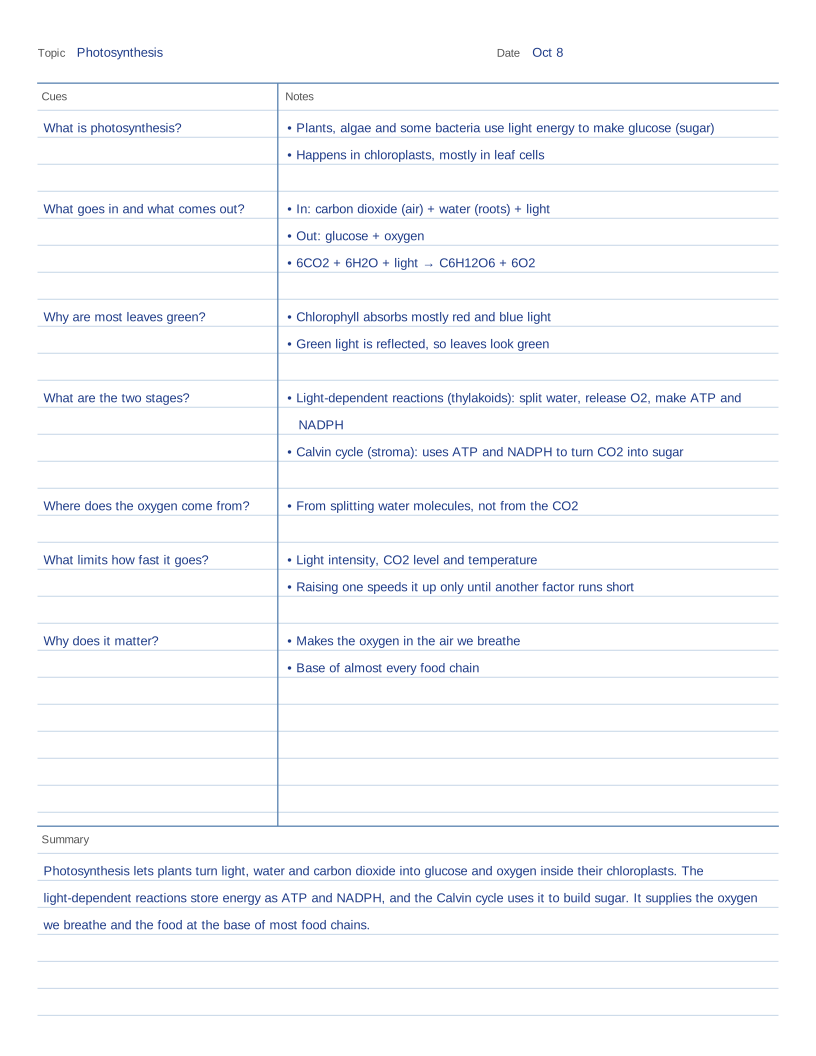
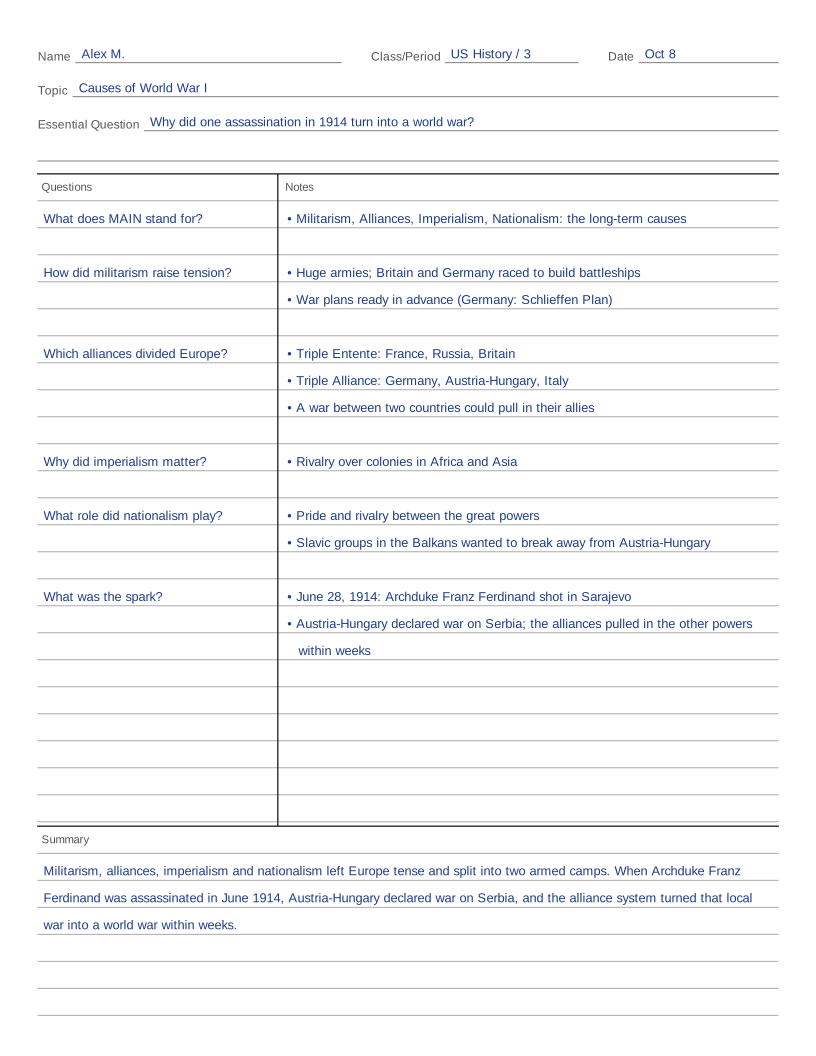
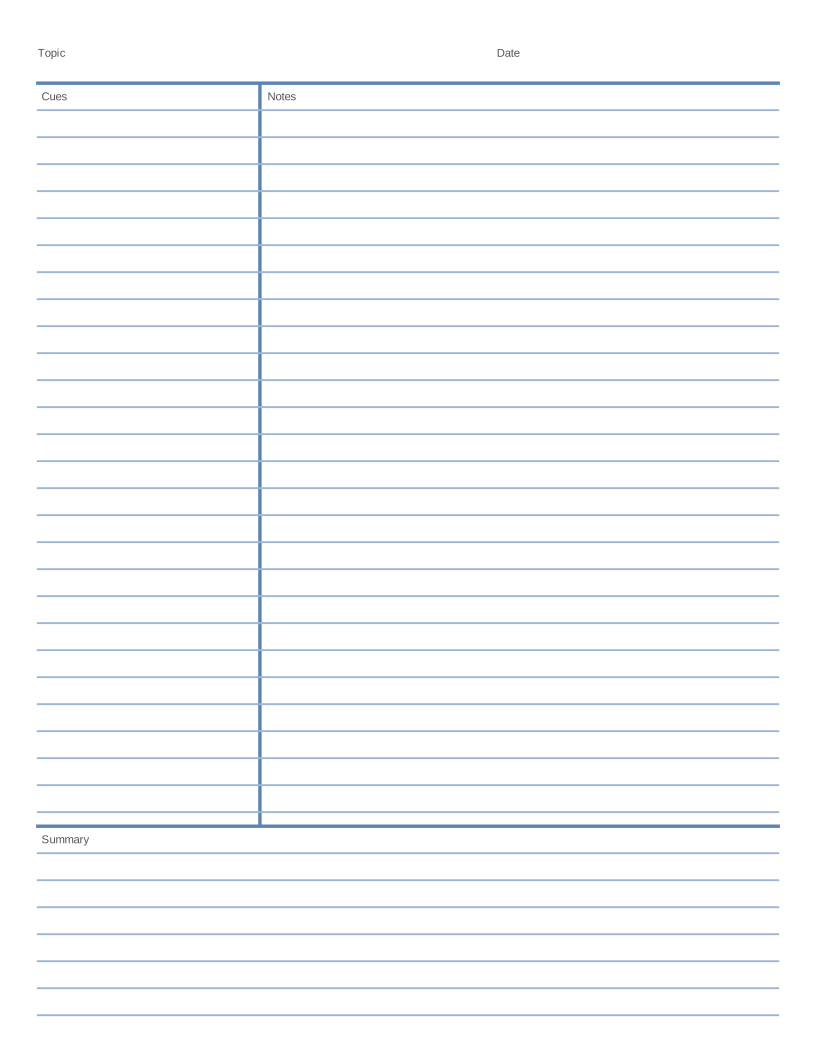
What to notice in the examples: the notes on the right are short phrases, not full sentences, with a blank line between ideas. Each question on the left sits level with the notes it is about, so you can cover the right side and quiz yourself. The summary at the bottom is two or three sentences in your own words, written after class.
A common mistake is filling in the cue column during the lecture. Leave it empty while you take notes, then write the questions when you review them, ideally the same day. Writing the questions is what turns the page into a study tool.
What people use it for
- Showing a class what a finished Cornell notes page looks like
- Checking your own notes: does every chunk of notes have a question next to it?
- Practicing summaries: cover the example summary, write your own, then compare
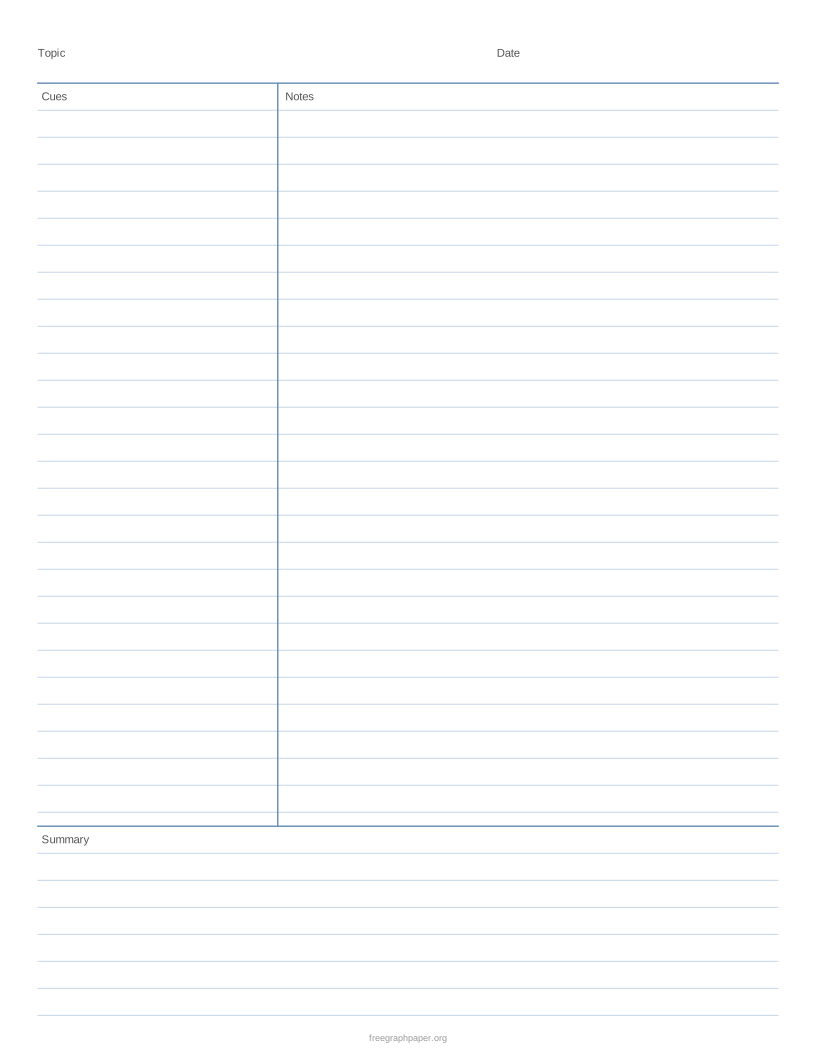
- Printing a blank copy for your next lecture or reading
How to print it
- Choose the paper type, grid size and paper size above. The preview updates as you go.
- Click Download PDF (or Print to open it straight away).
- In the print dialog, set the scale to 100% or Actual size and match the PDF paper size to the paper in the tray. Measure a known grid length with a ruler before using the printout for scale work.
More free templates
 Free Printable Graph Paper
 Printable Grid Paper
 1/4 Inch Graph Paper (Quad Paper)
 5mm Graph Paper
 1 cm Graph Paper (Centimeter Grid)
 1 Inch Graph Paper
 Engineering Paper
 Dot Grid Paper
 Isometric Graph Paper
 Isometric Dot Paper
 Hexagonal Graph Paper
 Coordinate Grid Paper
 Polar Graph Paper
 Printable Lined Paper
 A4 Graph Paper
 1/8 Inch Graph Paper
 1/2 Inch Graph Paper
 Millimeter Graph Paper
 2 mm Graph Paper
 10 Squares per Inch Graph Paper
 11 × 17 Graph Paper
 A3 Graph Paper
 Legal Size Graph Paper
 Graph Paper with Numbers
 First Quadrant Graph Paper
 Printable Handwriting Paper
 Primary Writing Paper with Picture Box
 Cornell Notes Template
 AVID Cornell Notes Template
 Blank Sheet Music (Music Staff Paper)
 Printable Storyboard Template
Frequently asked questions
What goes in the cue column?
Questions or keywords that the notes next to them answer, such as "What are the two stages?" next to notes on the light-dependent reactions and the Calvin cycle. Good cues are the questions you expect on a test.
How long should a Cornell notes summary be?
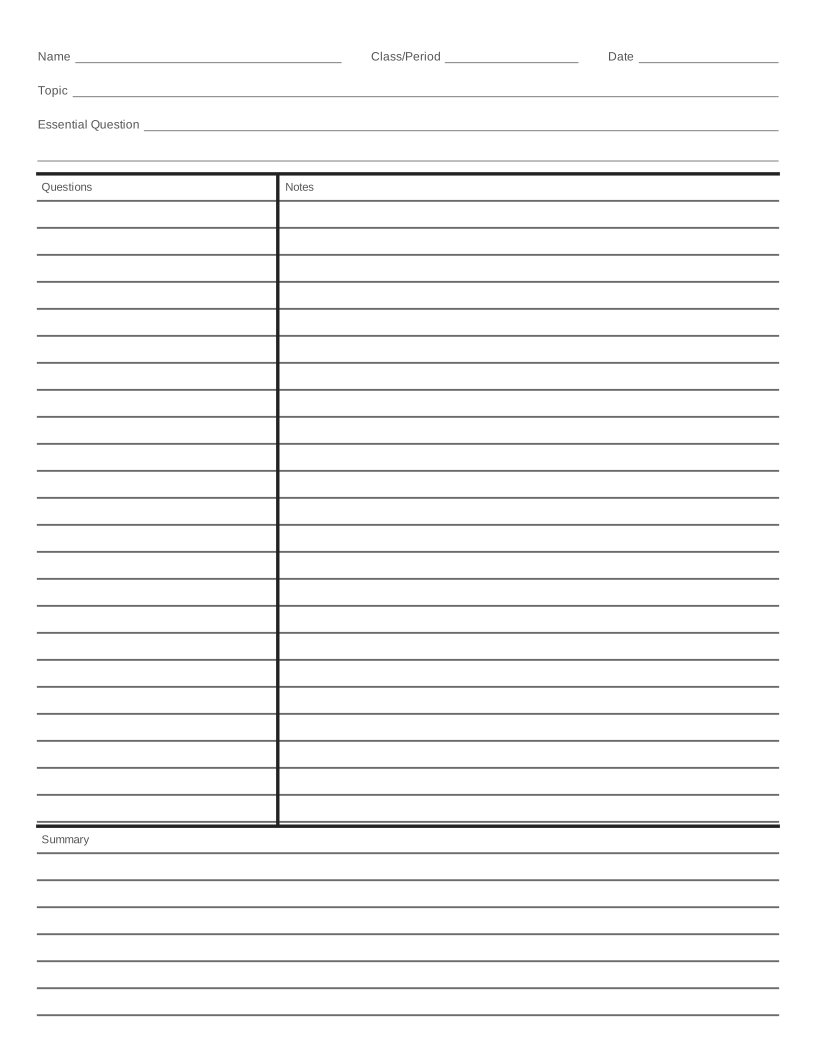
Two to four sentences. It should explain the main idea of the page in your own words rather than list every detail. In the AVID format, the summary should answer the essential question.
Can I take Cornell notes in math?
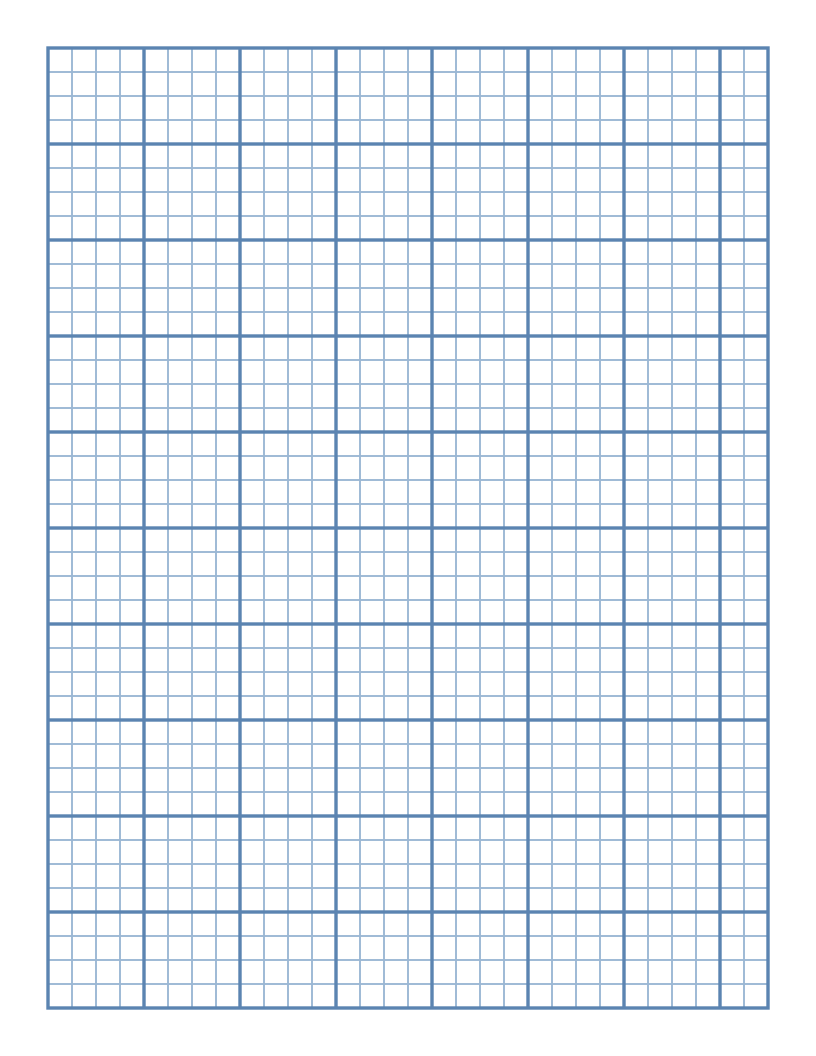
Yes. Put worked examples and steps on the right and the rule or question each example answers on the left. Choose "Graph grid" for the notes area to get squares for equations and graphs.