An A4 sheet with 10 mm margins holds a 190 × 277 mm grid. Because the lines are so close together, print with a laser printer or at the highest quality setting, and make sure the scale is set to 100%.
What people use it for
- Plotting experimental data accurately by hand
- Technical drawing and scale drawings in millimetres
- Measuring small objects and sewing or craft patterns
- Calibrating printers and checking print scale
How to print it
- Choose the paper type, grid size and paper size above. The preview updates as you go.
- Click Download PDF (or Print to open it straight away).
- In the print dialog, set the scale to 100% or Actual size so the grid measures exactly what you selected.
More free templates
 Free Printable Graph Paper
 Printable Grid Paper
 1/4 Inch Graph Paper (Quad Paper)
 5mm Graph Paper
 1 cm Graph Paper (Centimeter Grid)
 1 Inch Graph Paper
 Engineering Paper
 Dot Grid Paper
 Isometric Graph Paper
 Isometric Dot Paper
 Hexagonal Graph Paper
 Coordinate Plane Graph Paper
 Polar Graph Paper
 Printable Lined Paper
 A4 Graph Paper
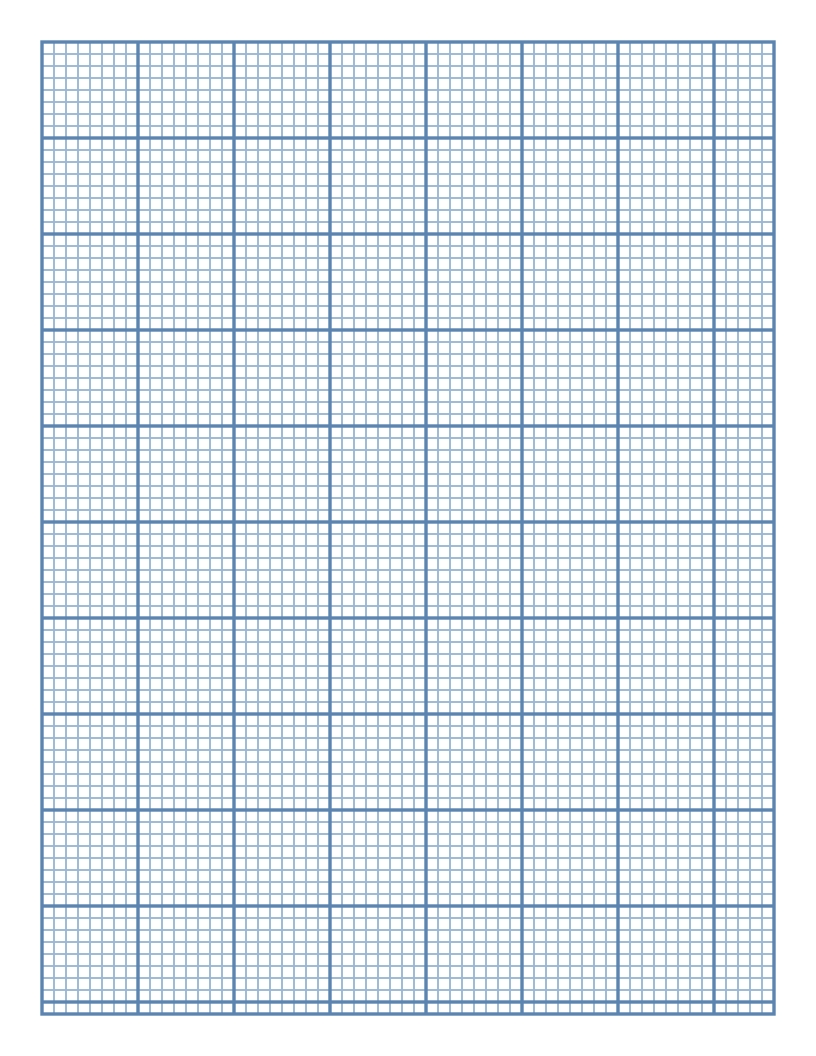 1/8 Inch Graph Paper
 1/2 Inch Graph Paper
 2 mm Graph Paper
 10 Squares per Inch Graph Paper
 11 × 17 Graph Paper
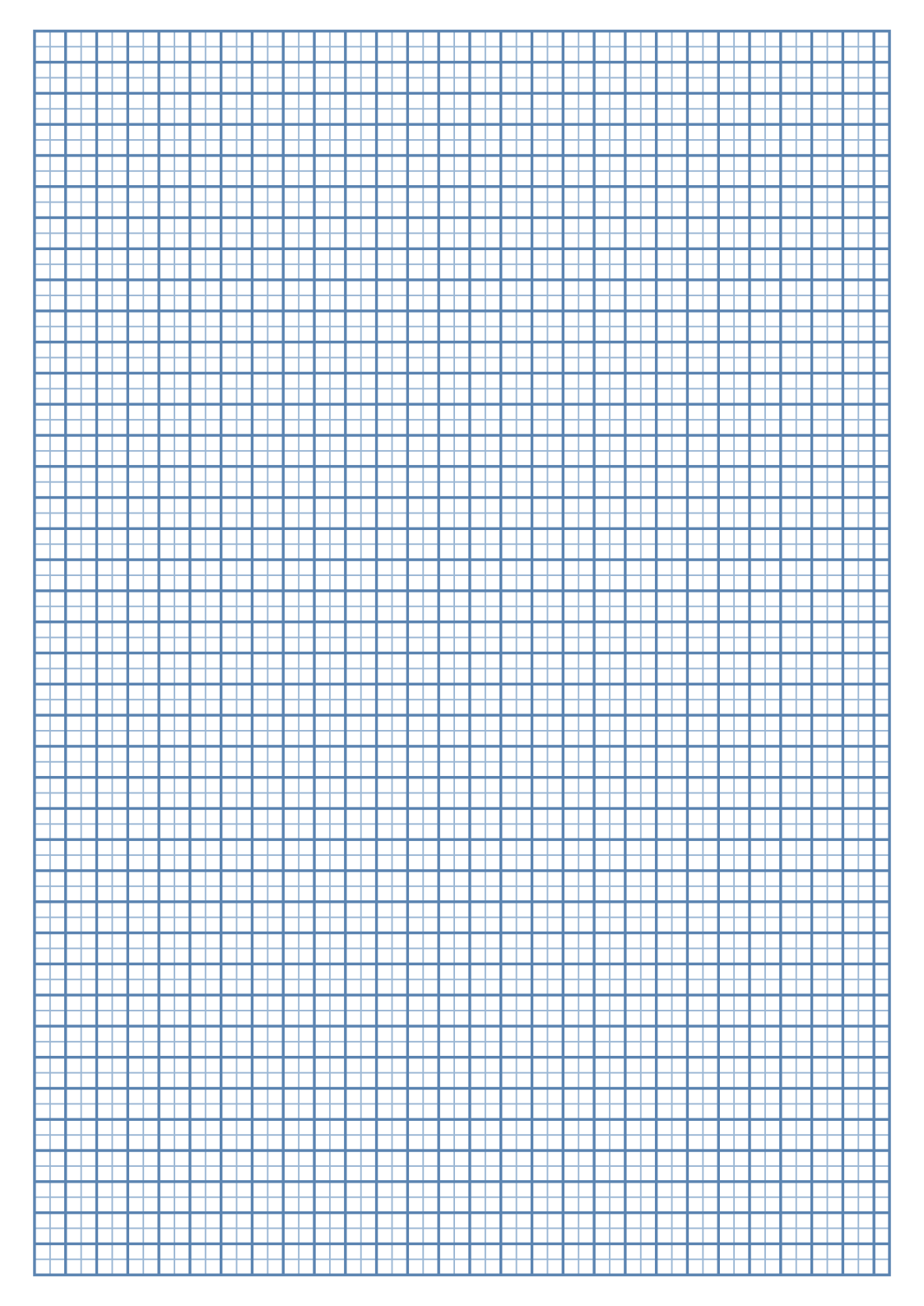 A3 Graph Paper
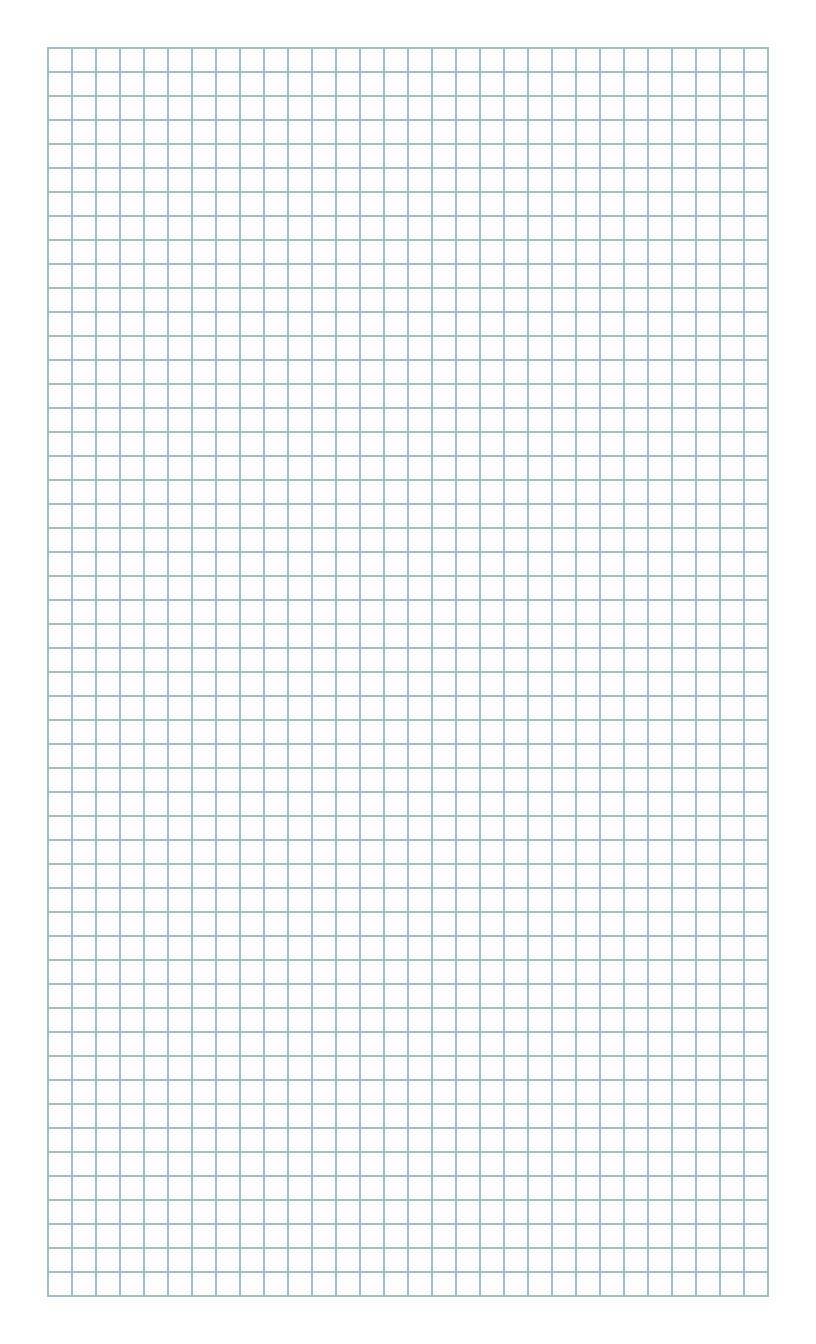 Legal Size Graph Paper
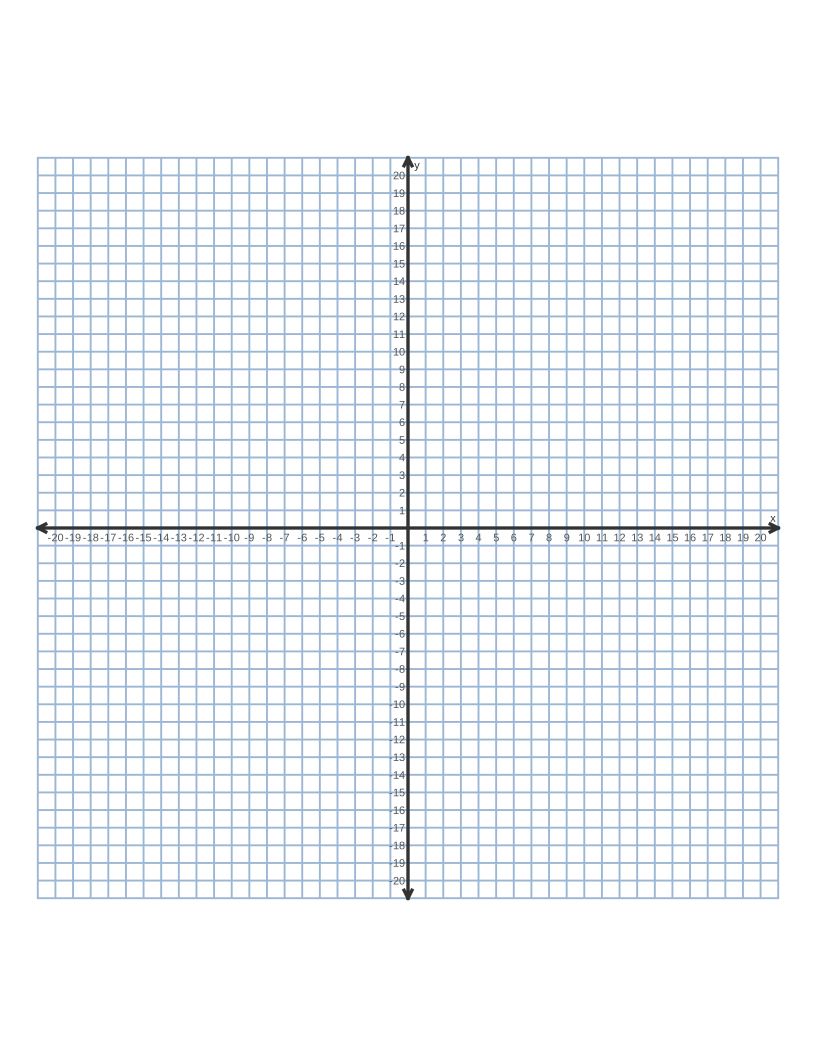 Graph Paper with Numbers
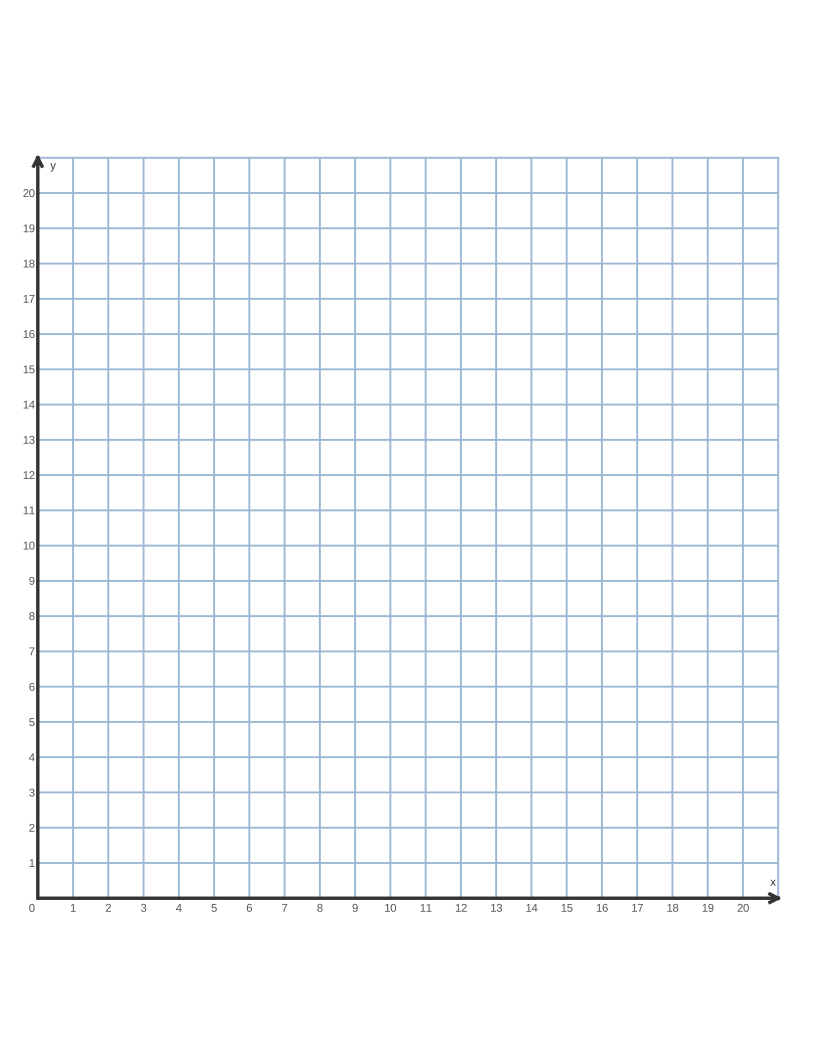 First Quadrant Graph Paper
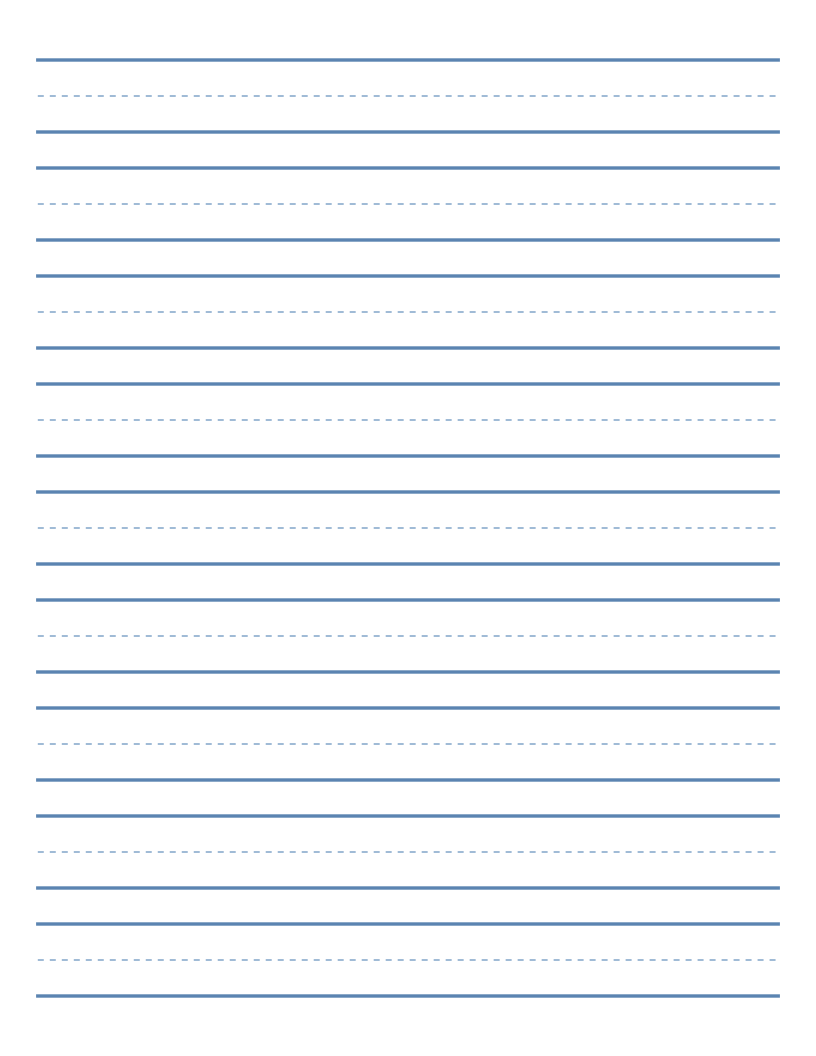 Printable Handwriting Paper
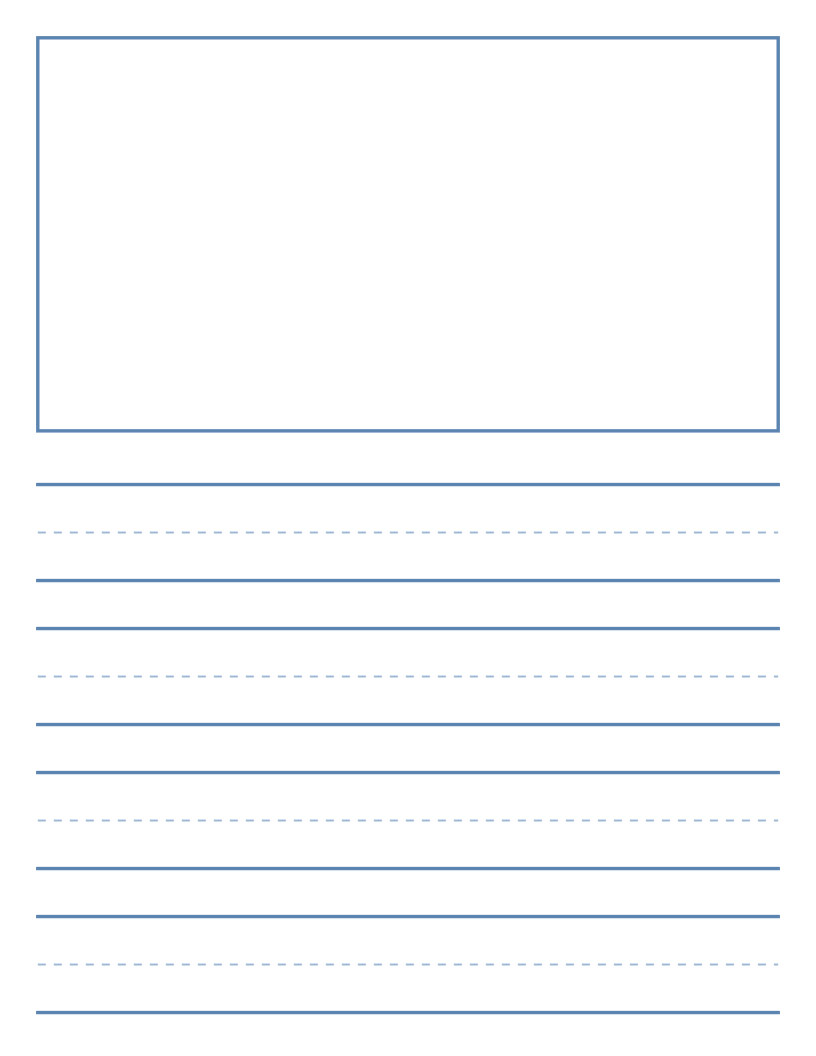 Primary Writing Paper with Picture Box
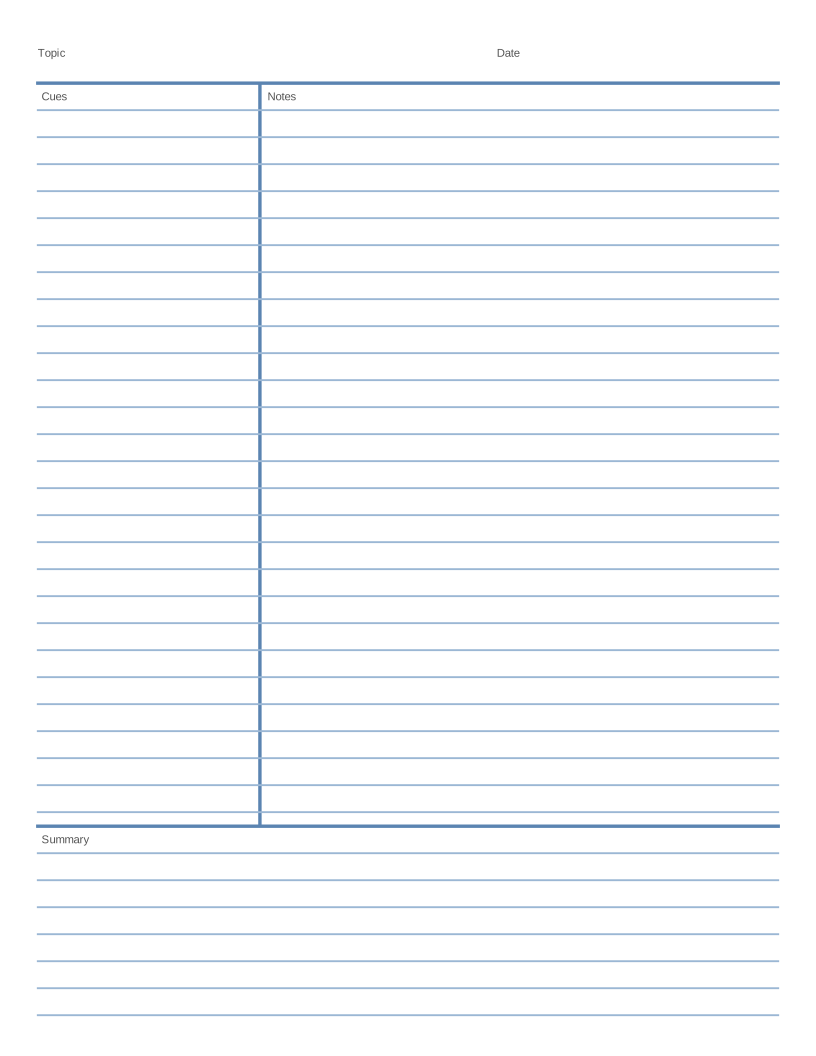 Cornell Notes Template
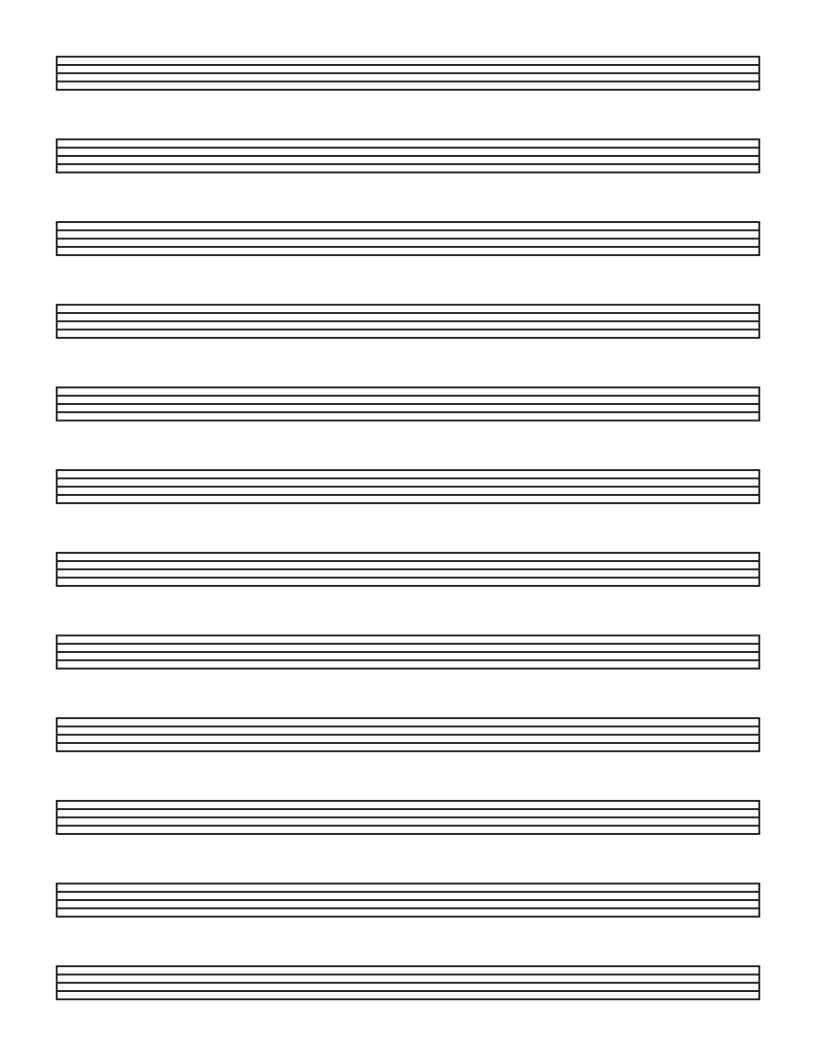 Blank Sheet Music (Music Staff Paper)
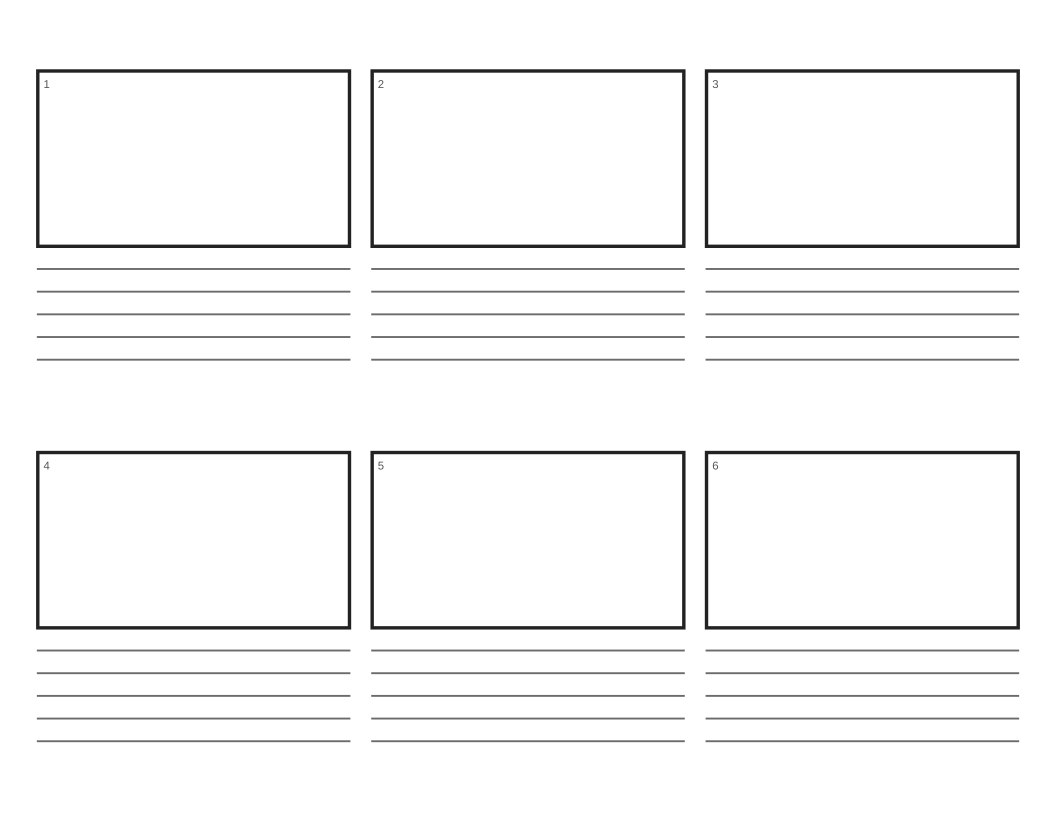 Printable Storyboard Template
Frequently asked questions
Will a home printer print a 1 mm grid correctly?
Most modern printers can. If the fine lines look faint, switch to a darker color or a heavier line weight, and print at "Best" quality.
Can I add a bold line every 5 mm as well?
Set "Bold line every" to 5 squares for a bold line every 5 mm, or 10 squares for every centimetre (the default).