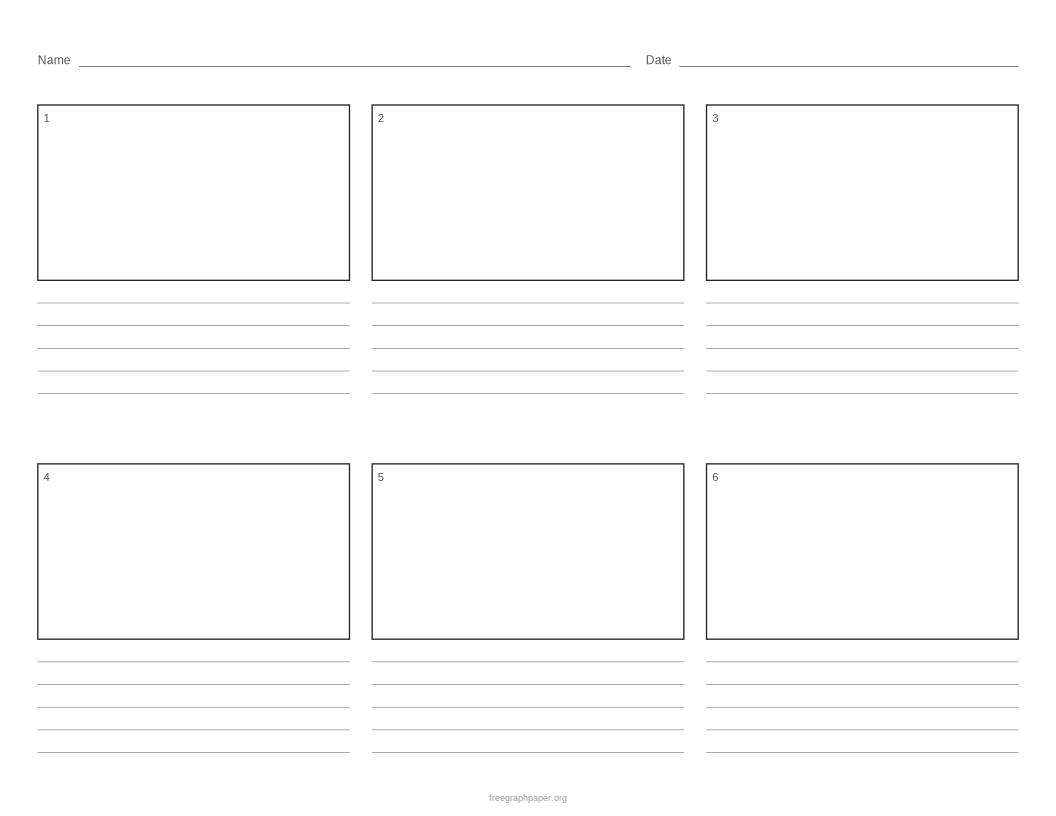
Pick the number of frames per page: 3 or 4 large frames work well for detailed sketches, while 9 or 12 small frames let you plan a whole scene on one sheet.
What people use it for
- Planning YouTube videos, ads and short films
- Animation and comic layouts
- Class projects: retelling a story in pictures
- UX flows and presentations
How to print it
- Choose the paper type, grid size and paper size above. The preview updates as you go.
- Click Download PDF (or Print to open it straight away).
- In the print dialog, set the scale to 100% or Actual size and match the PDF paper size to the paper in the tray. Measure a known grid length with a ruler before using the printout for scale work.
More free templates
 Free Printable Graph Paper
 Printable Grid Paper
 1/4 Inch Graph Paper (Quad Paper)
 5mm Graph Paper
 1 cm Graph Paper (Centimeter Grid)
 1 Inch Graph Paper
 Engineering Paper
 Dot Grid Paper
 Isometric Graph Paper
 Isometric Dot Paper
 Hexagonal Graph Paper
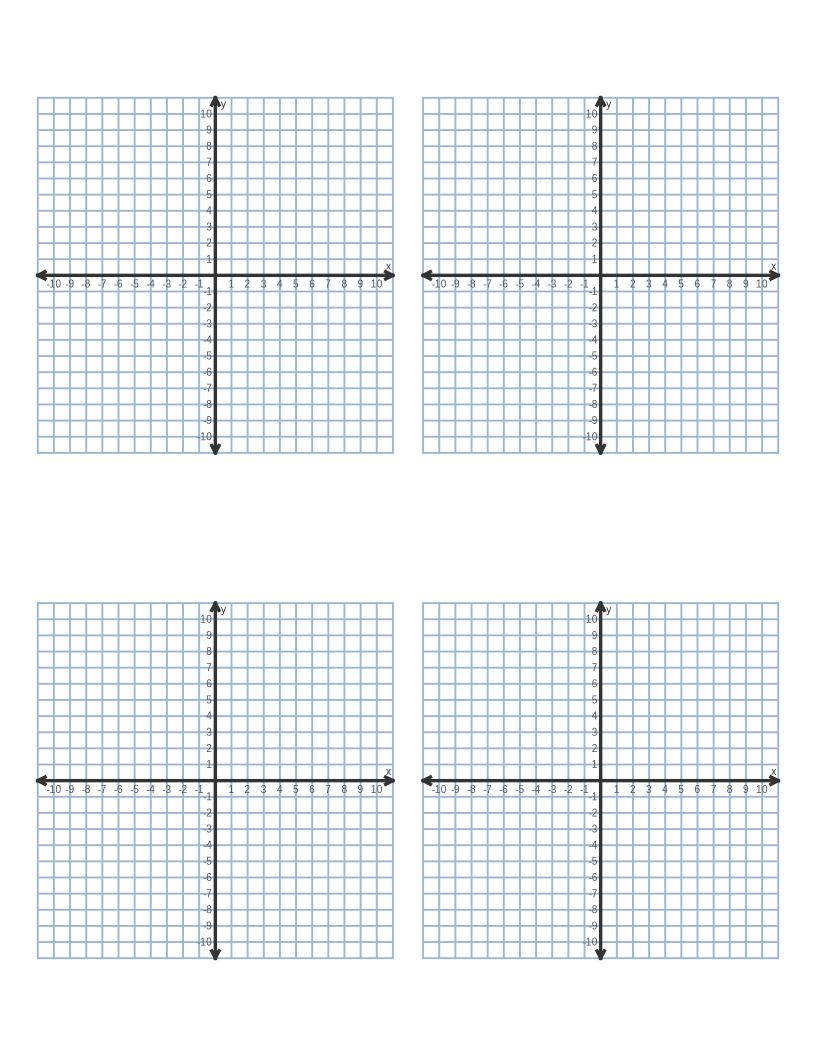 Coordinate Grid Paper
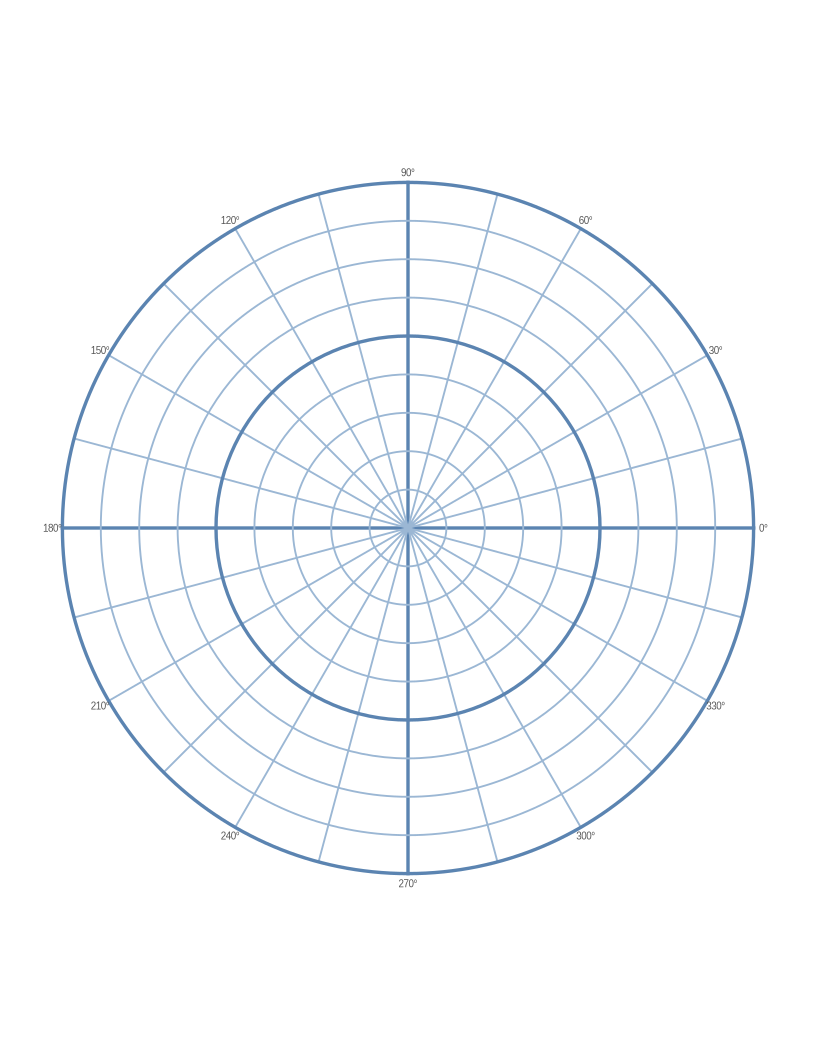 Polar Graph Paper
 Printable Lined Paper
 A4 Graph Paper
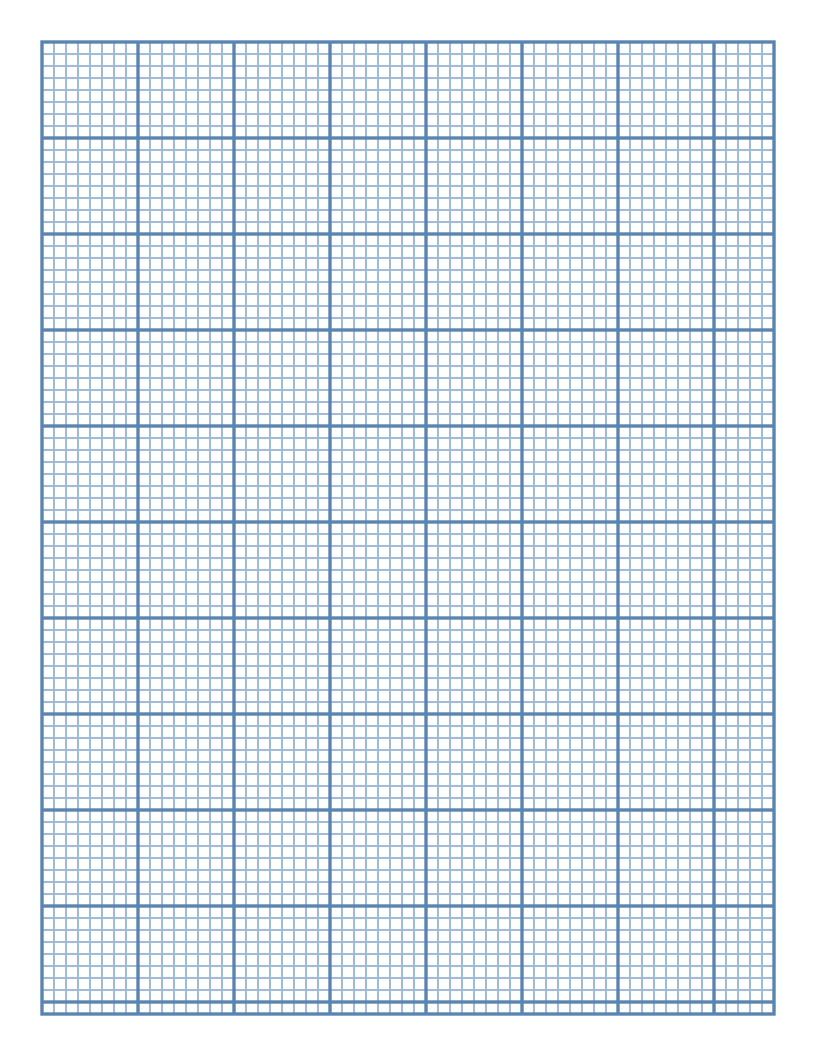 1/8 Inch Graph Paper
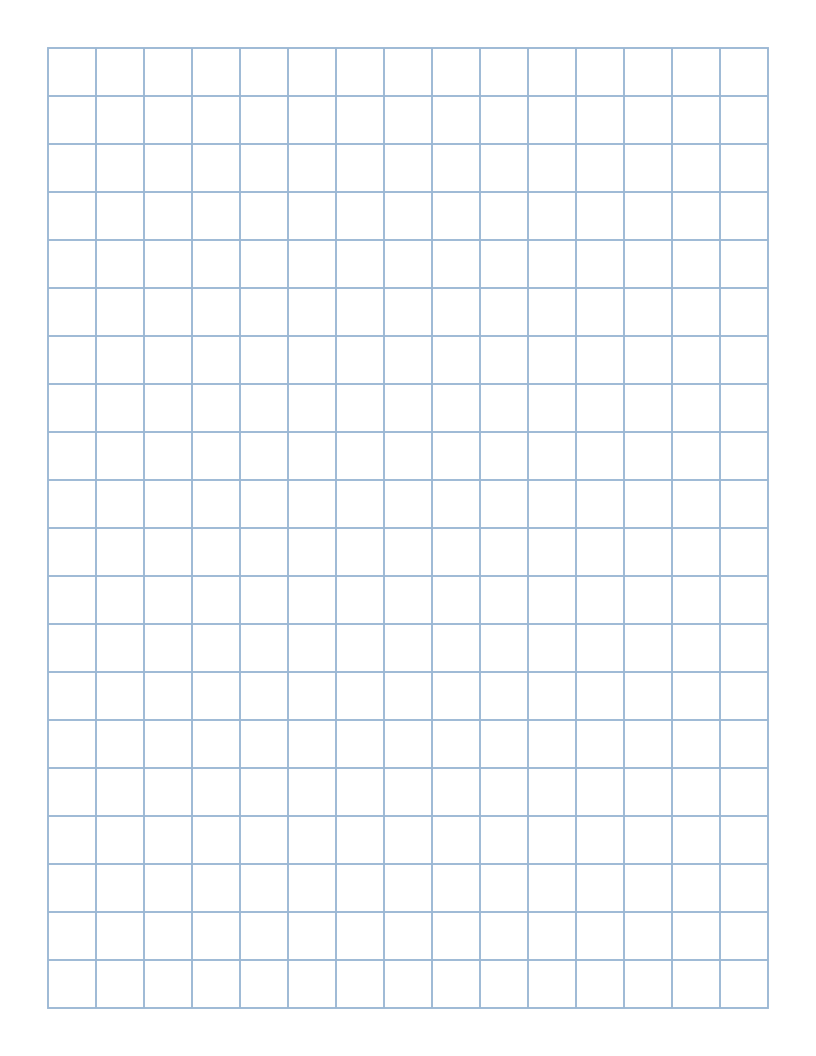 1/2 Inch Graph Paper
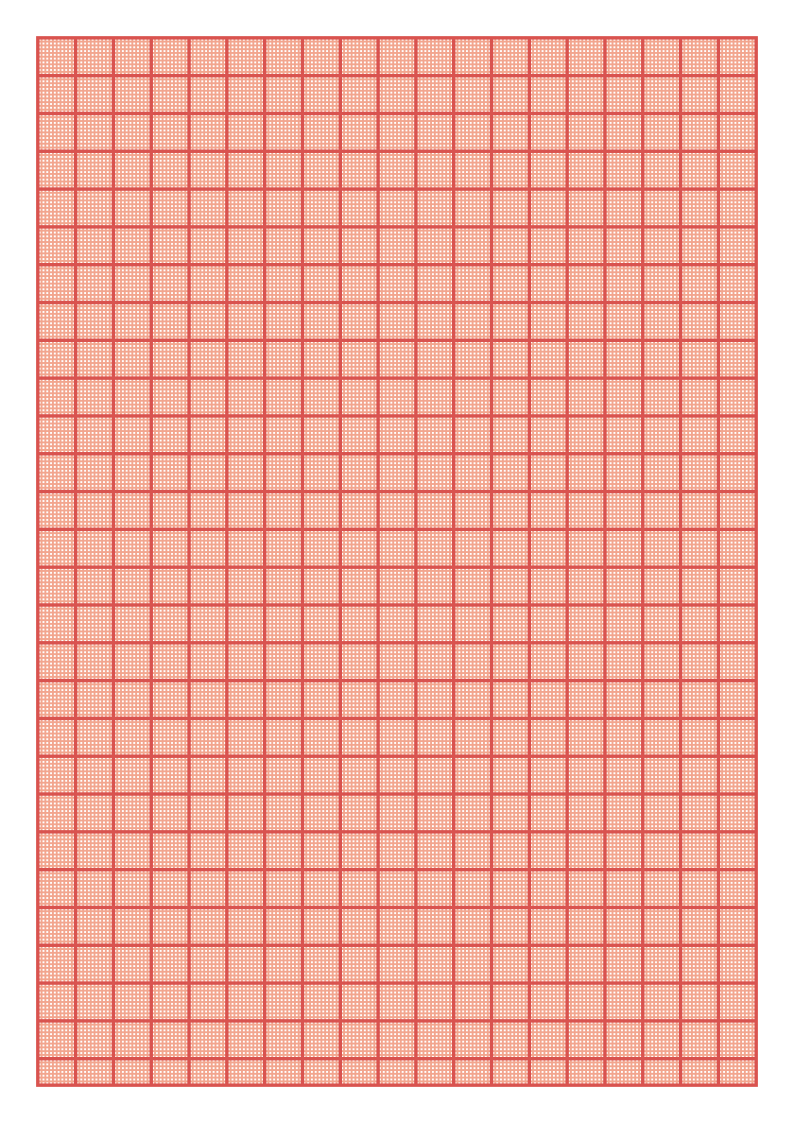 Millimeter Graph Paper
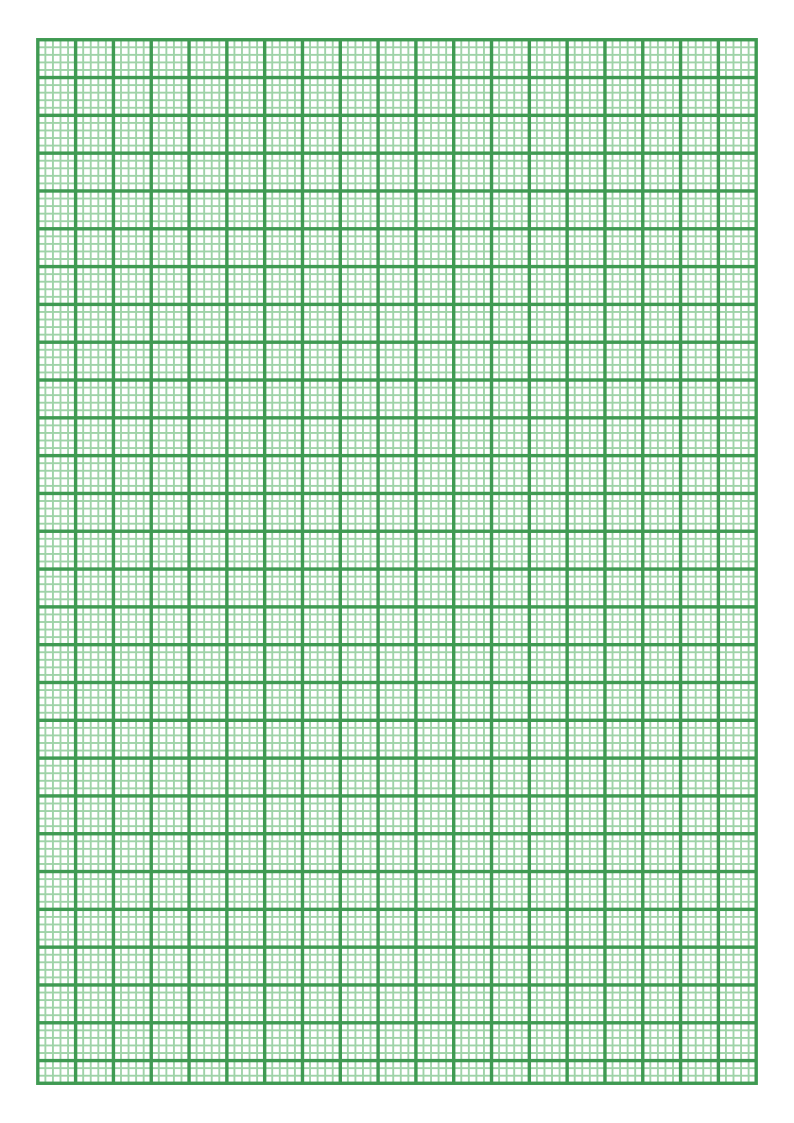 2 mm Graph Paper
 10 Squares per Inch Graph Paper
 11 × 17 Graph Paper
 A3 Graph Paper
 Legal Size Graph Paper
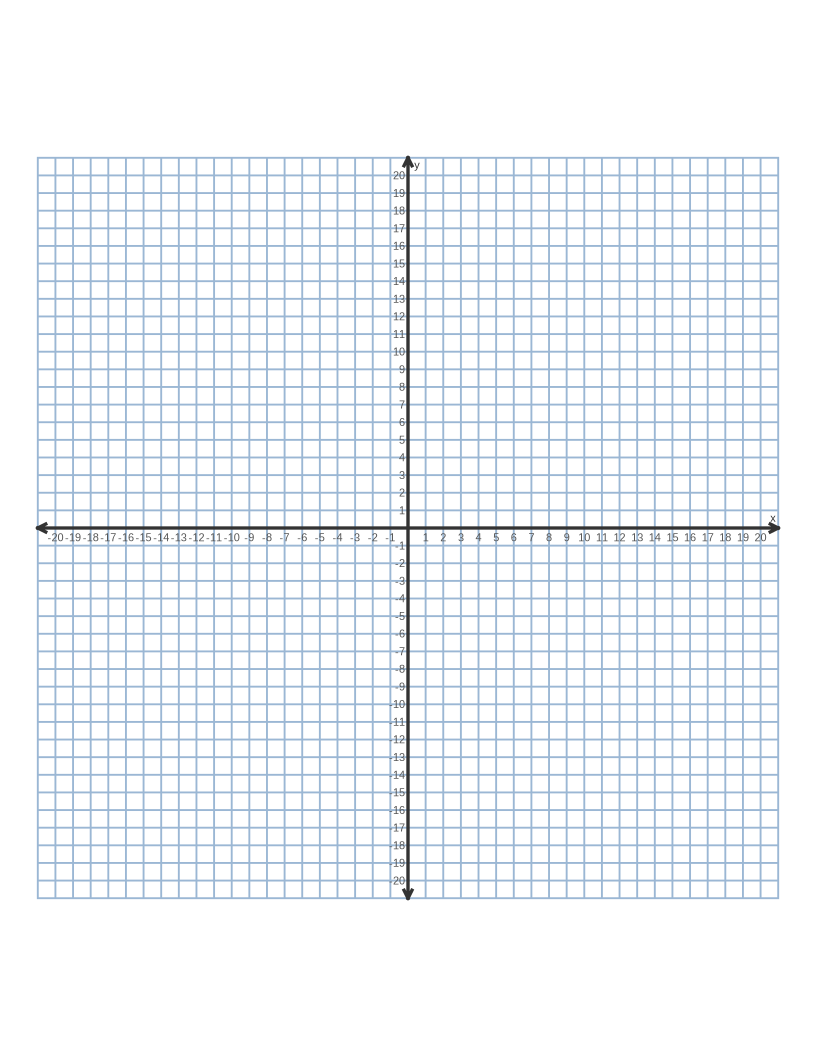 Graph Paper with Numbers
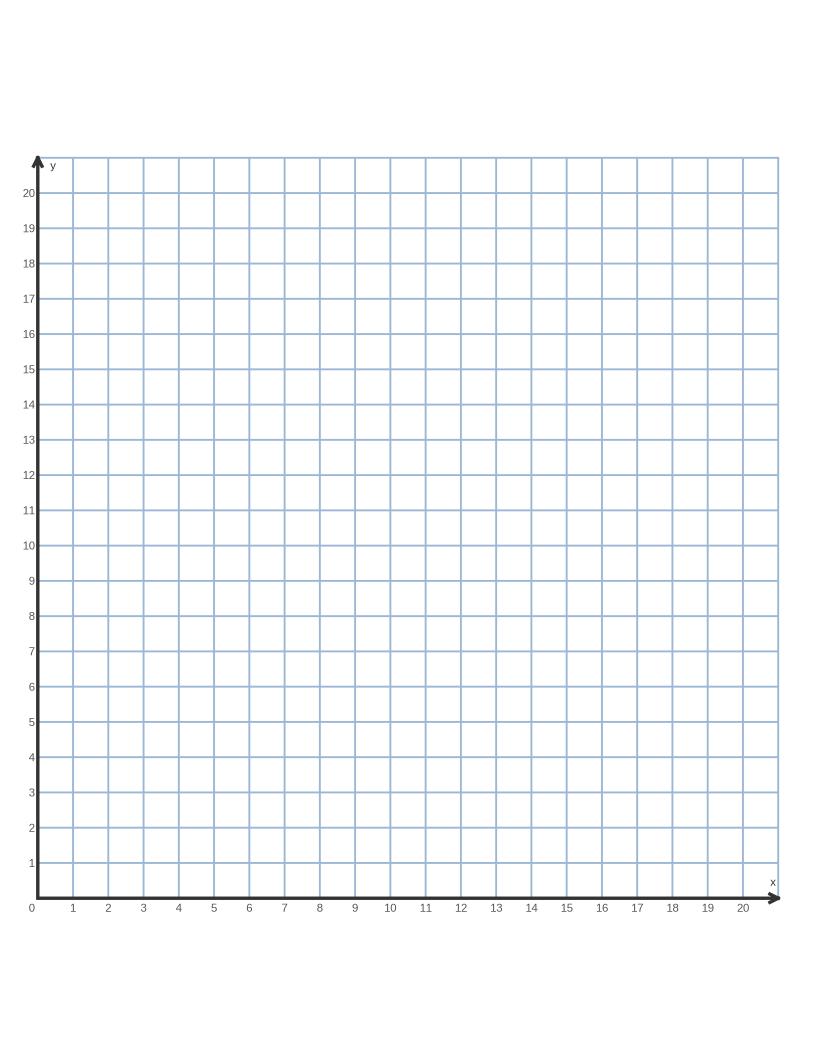 First Quadrant Graph Paper
 Printable Handwriting Paper
 Primary Writing Paper with Picture Box
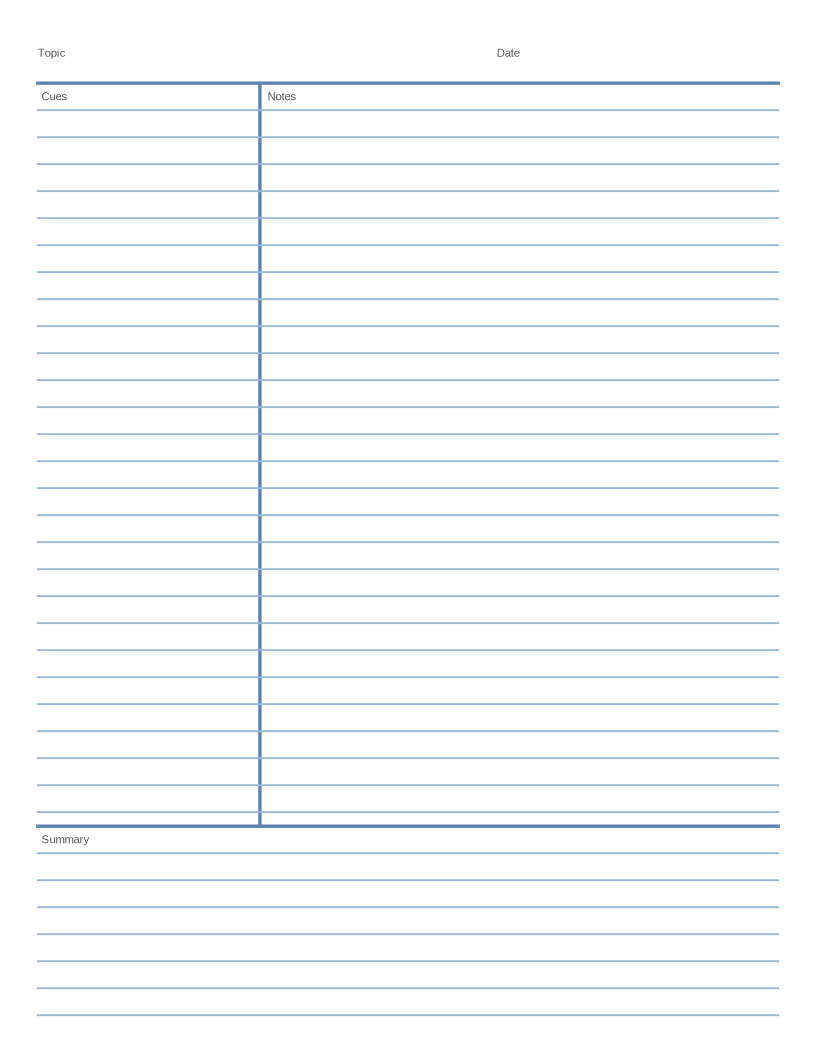 Cornell Notes Template
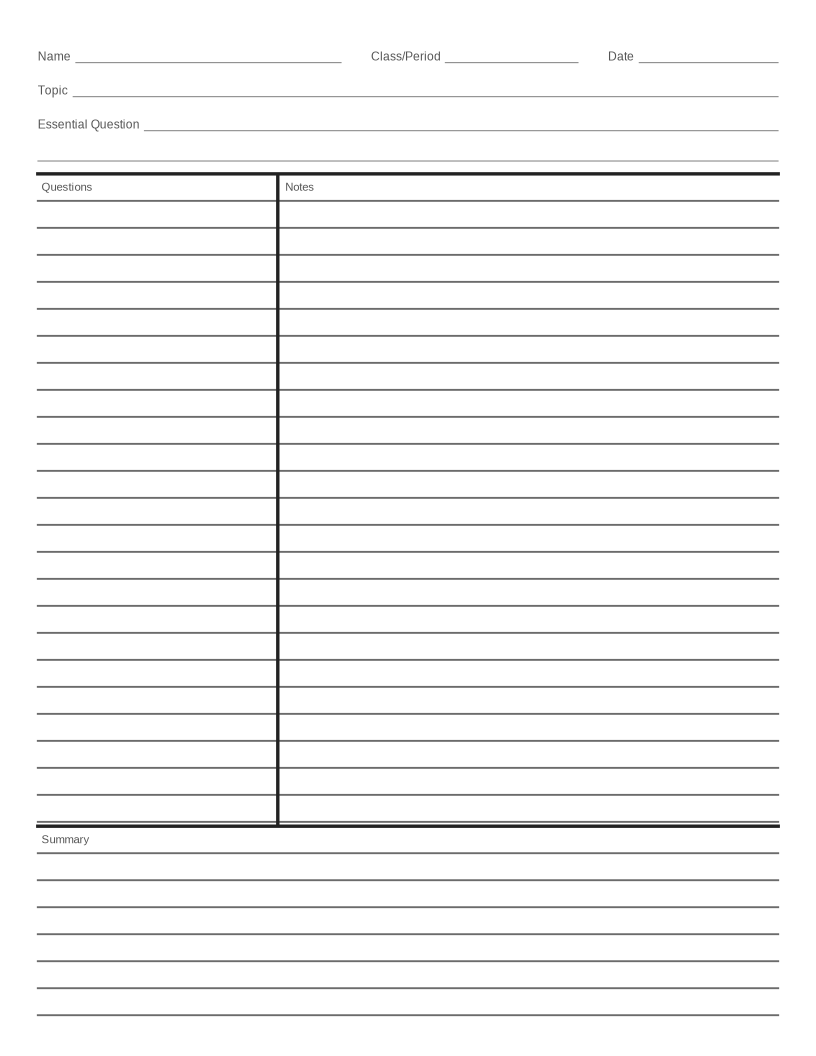 AVID Cornell Notes Template
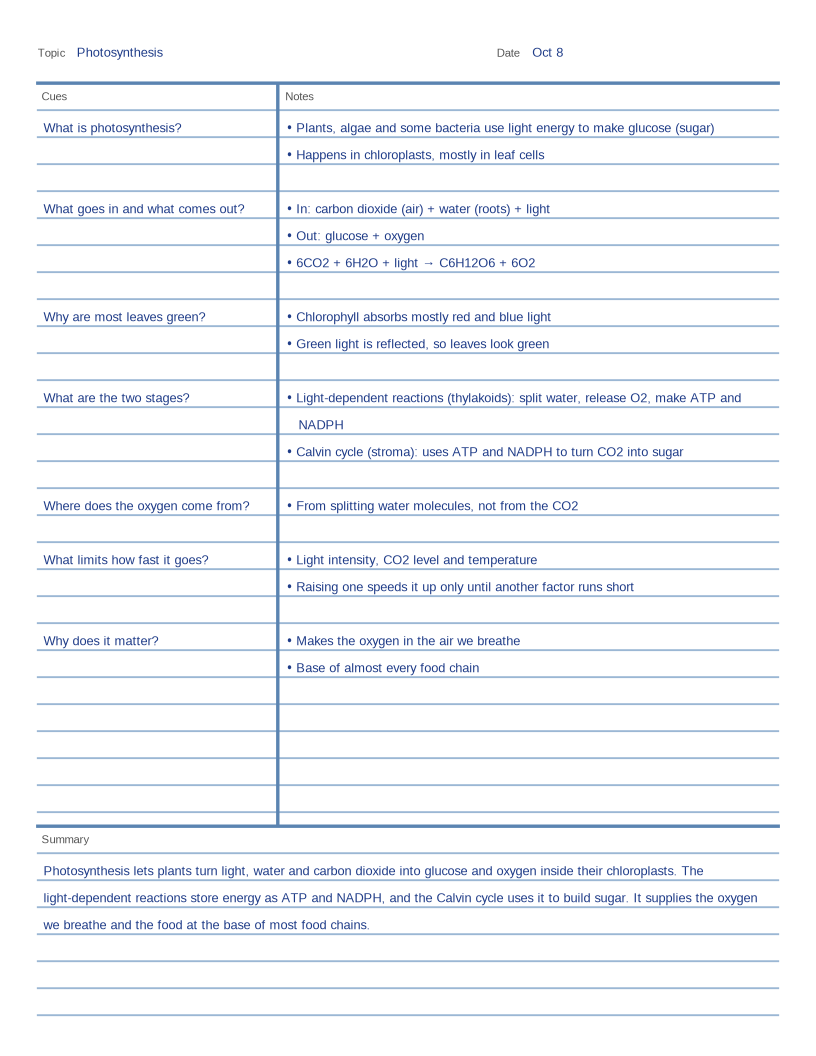 Cornell Notes Examples
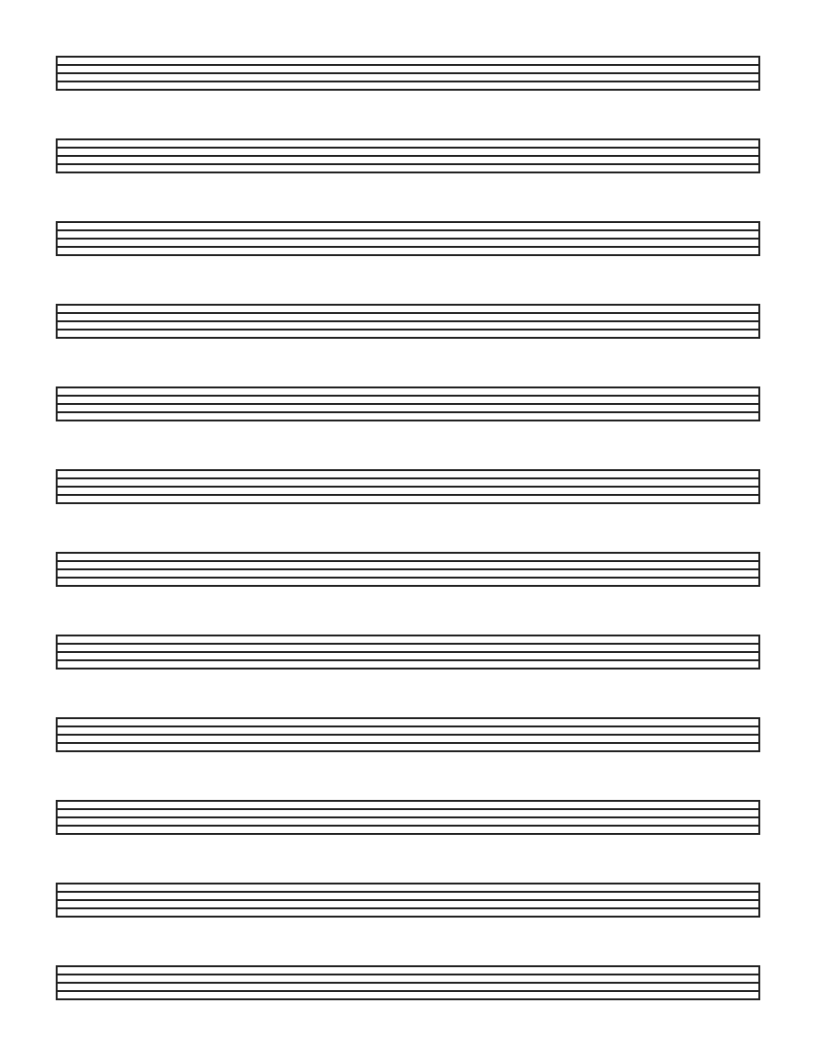 Blank Sheet Music (Music Staff Paper)
Frequently asked questions
What aspect ratio are the frames?
The frames are 16:9, the same shape as HD video and most screens, so your sketches match the final shot.
How many frames should a storyboard page have?
Six frames per landscape page is the most common layout. Use fewer frames for detailed drawings and more for quick thumbnails.