Need several smaller grids for a worksheet? Set "Grids per page" to 2, 4 or 6.
What people use it for
- Graphing linear and quadratic functions
- Plotting points and shapes for coordinate geometry
- Coordinate grid picture activities
- Homework and tests where students should not have to label axes
How to print it
- Choose the paper type, grid size and paper size above. The preview updates as you go.
- Click Download PDF (or Print to open it straight away).
- In the print dialog, set the scale to 100% or Actual size so the grid measures exactly what you selected.
More free templates
 Free Printable Graph Paper
 Printable Grid Paper
 1/4 Inch Graph Paper (Quad Paper)
 5mm Graph Paper
 1 cm Graph Paper (Centimeter Grid)
 1 Inch Graph Paper
 Engineering Paper
 Dot Grid Paper
 Isometric Graph Paper
 Isometric Dot Paper
 Hexagonal Graph Paper
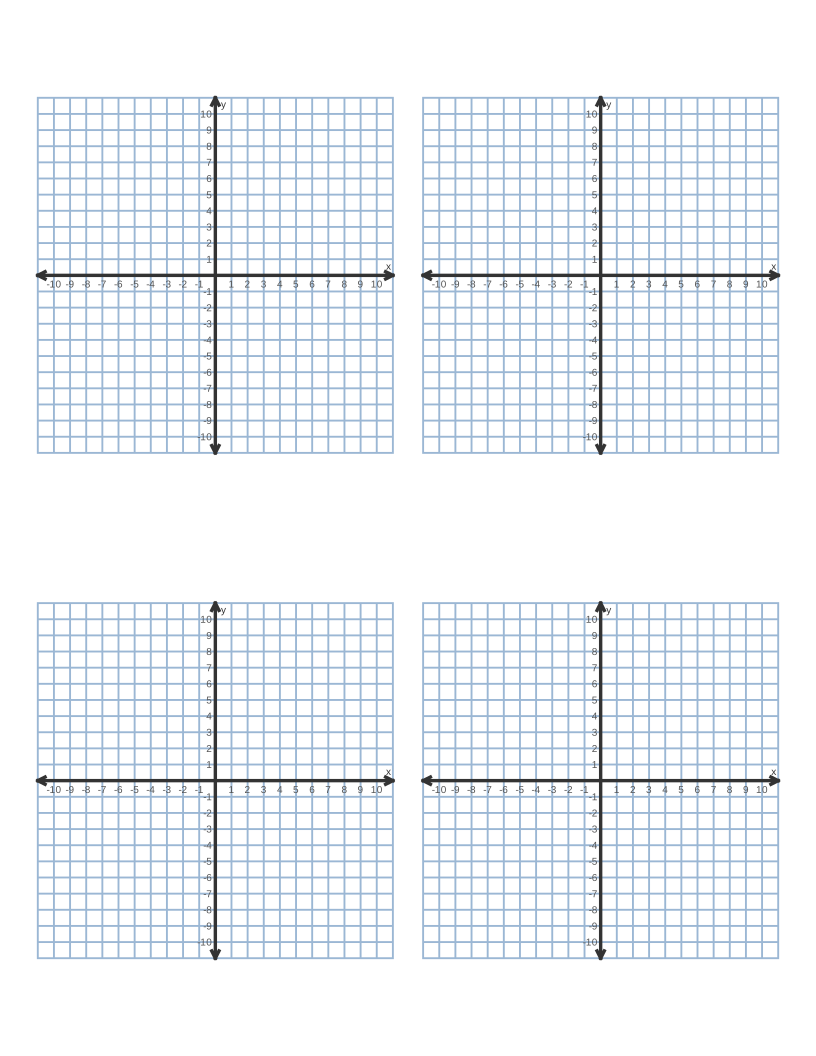 Coordinate Plane Graph Paper
 Polar Graph Paper
 Printable Lined Paper
 A4 Graph Paper
 1/8 Inch Graph Paper
 1/2 Inch Graph Paper
 Millimeter Graph Paper
 2 mm Graph Paper
 10 Squares per Inch Graph Paper
 11 × 17 Graph Paper
 A3 Graph Paper
 Legal Size Graph Paper
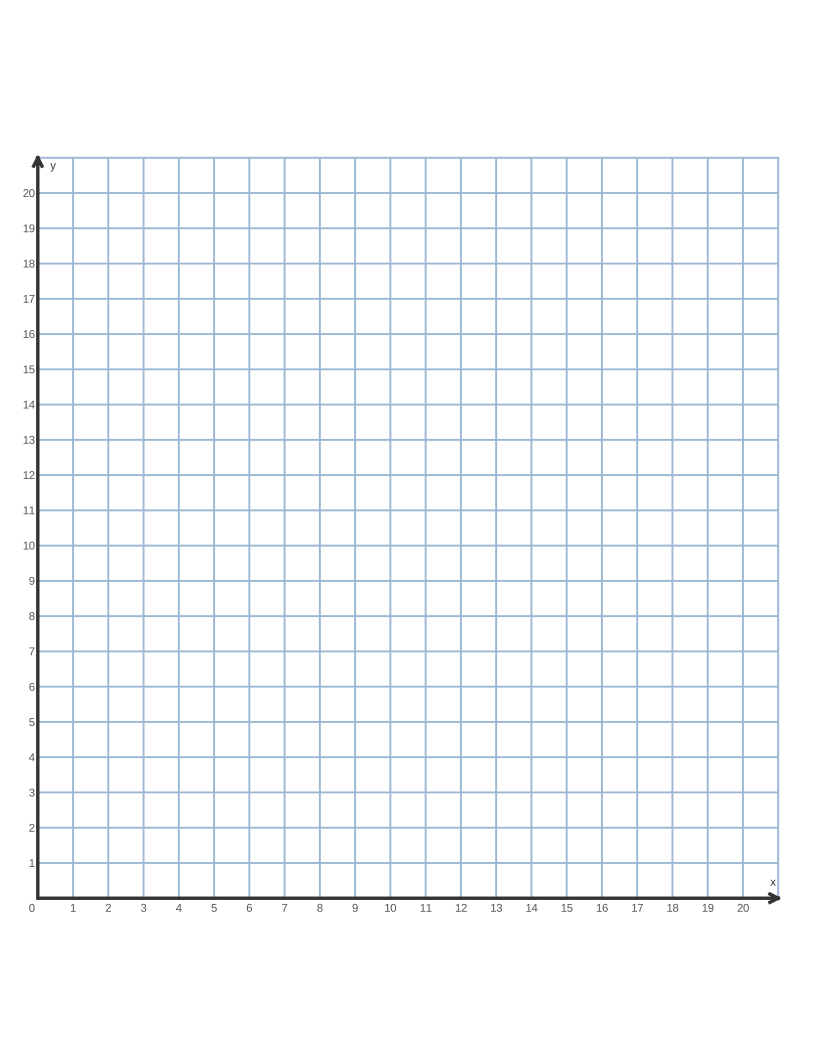 First Quadrant Graph Paper
 Printable Handwriting Paper
 Primary Writing Paper with Picture Box
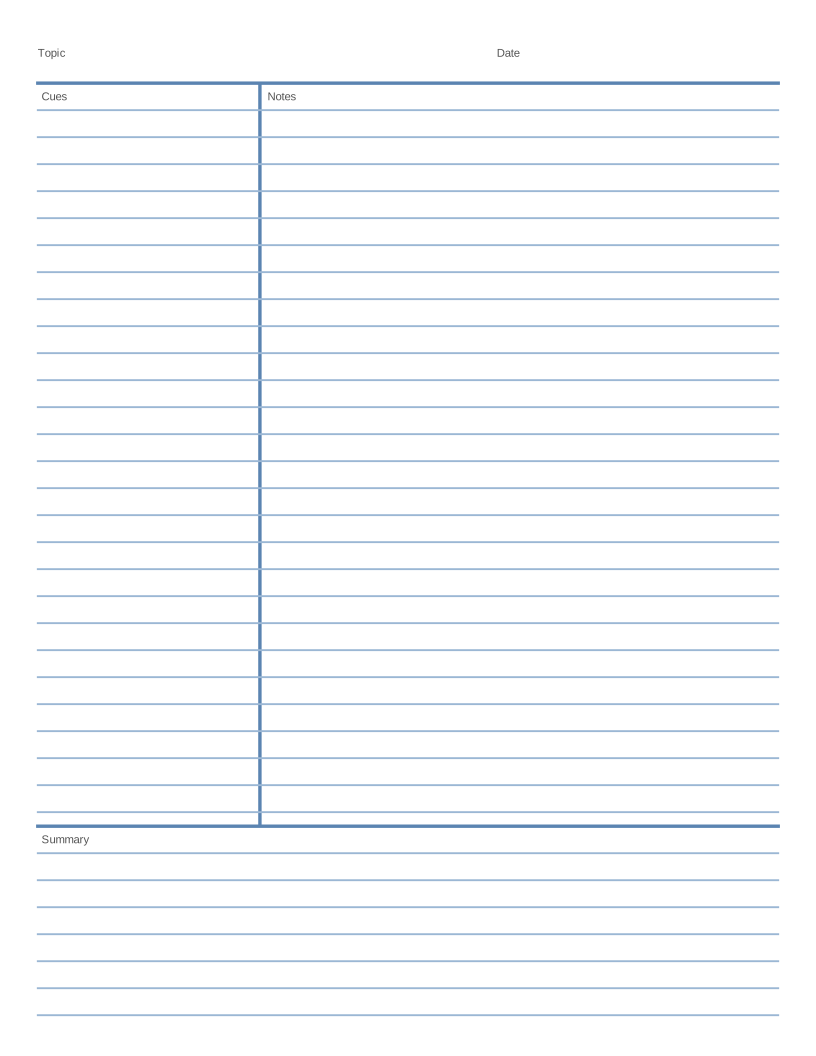 Cornell Notes Template
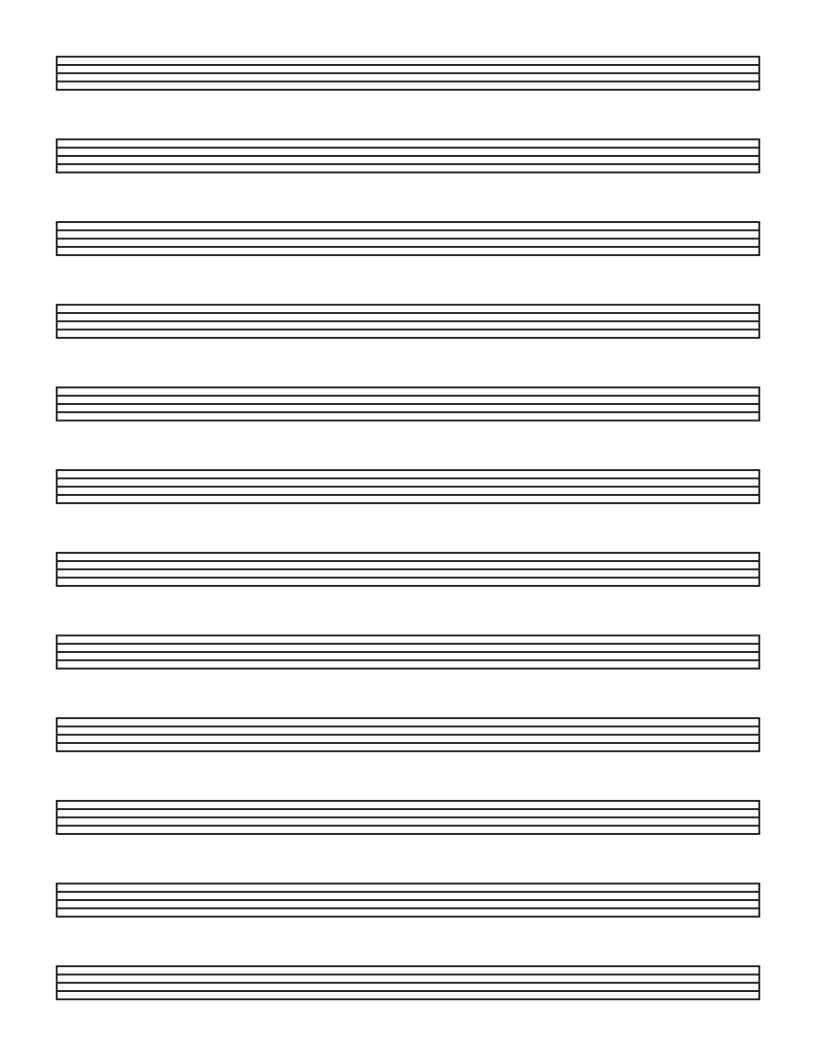 Blank Sheet Music (Music Staff Paper)
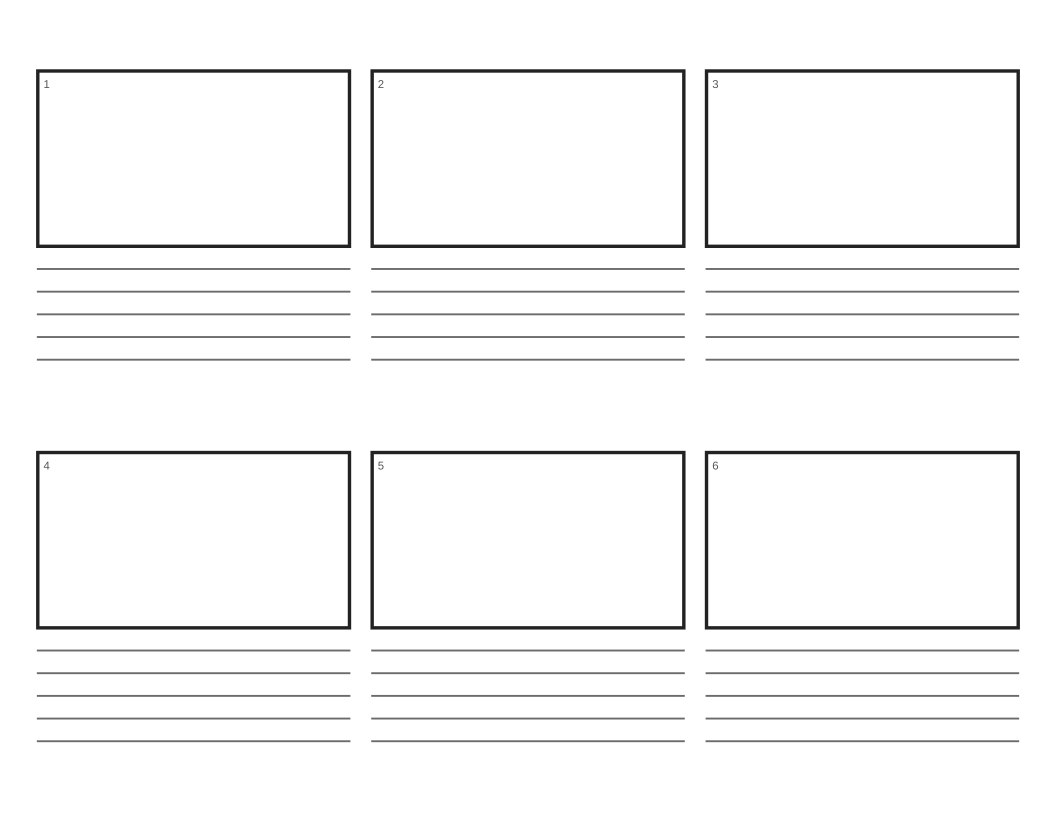 Printable Storyboard Template
Frequently asked questions
Can I number only one quadrant?
Yes. Tick "First quadrant only" to get axes from 0 to 20, or use the dedicated first quadrant graph paper template.
Can I turn the numbers off?
Untick "Number the axes" to keep the axes and arrows but remove the numbers, for example for tests where students label the scale themselves.