Everything is generated in your browser, so it is instant and there is nothing to install. Change the grid size, add heavier lines every 5 or 10 squares, switch between US Letter and A4, and print as many pages as you like.
What people use it for
- Math homework: plotting points, drawing functions and working through geometry problems
- Sketching floor plans, garden layouts and furniture arrangements to scale
- Pixel art, knitting and cross-stitch charts, and game maps
- Engineering and science: data plots, lab notes and technical sketches
- Bullet journals, planners and handwriting practice
How to print it
- Choose the paper type, grid size and paper size above. The preview updates as you go.
- Click Download PDF (or Print to open it straight away).
- In the print dialog, set the scale to 100% or Actual size so the grid measures exactly what you selected.
More free templates
 Printable Grid Paper
 1/4 Inch Graph Paper (Quad Paper)
 5mm Graph Paper
 1 cm Graph Paper (Centimeter Grid)
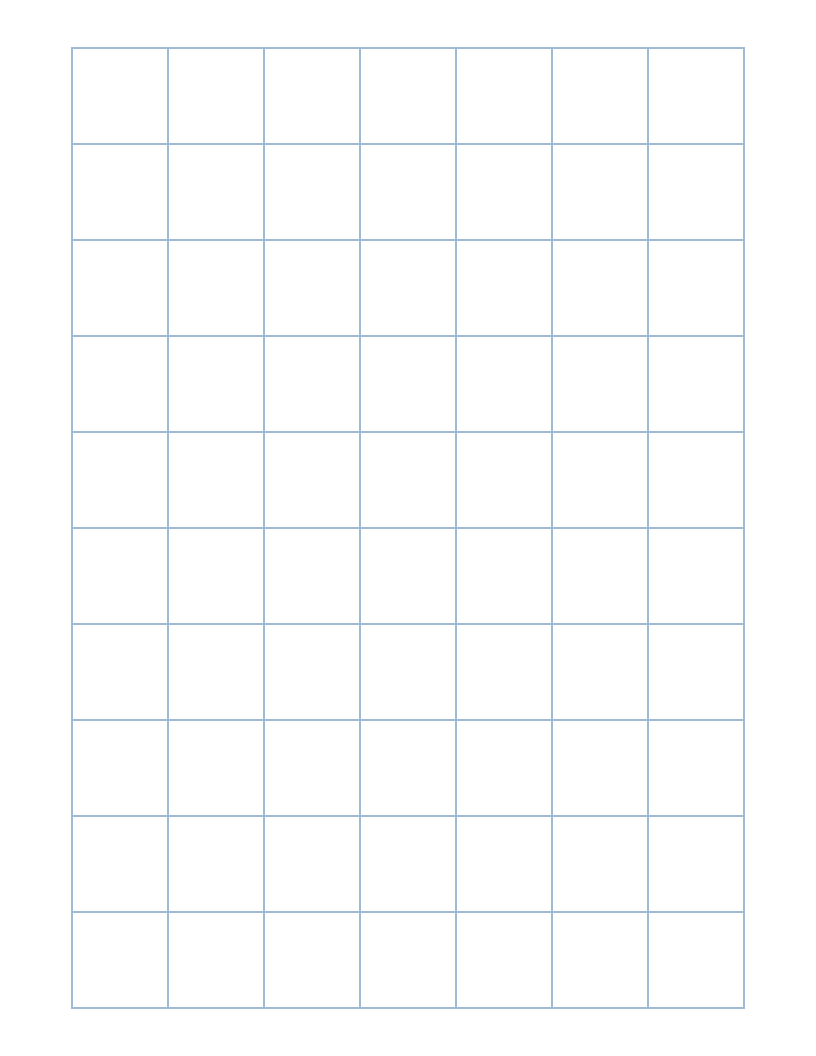 1 Inch Graph Paper
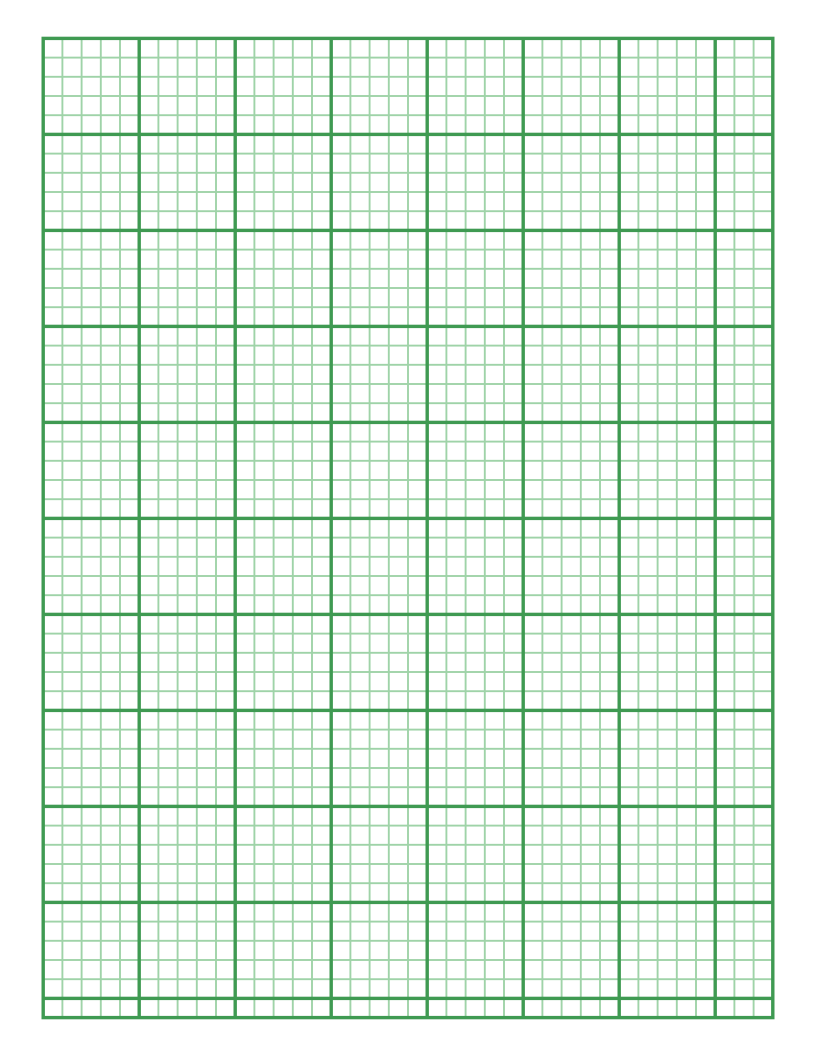 Engineering Paper
 Dot Grid Paper
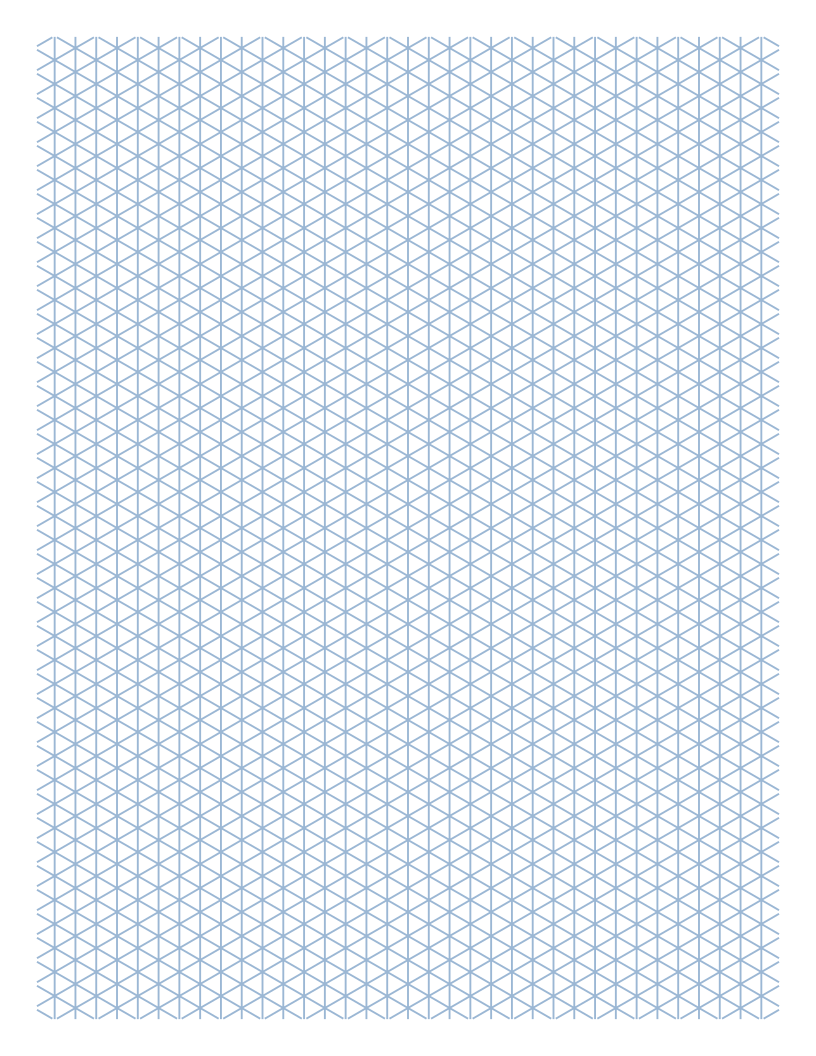 Isometric Graph Paper
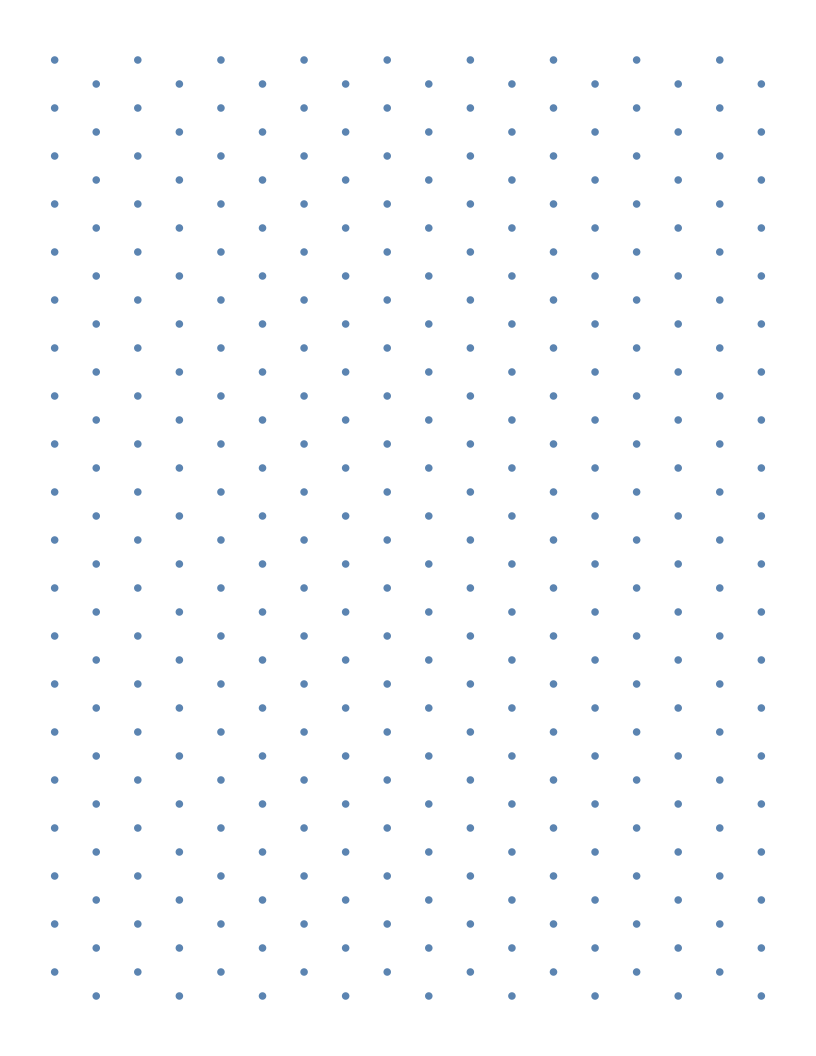 Isometric Dot Paper
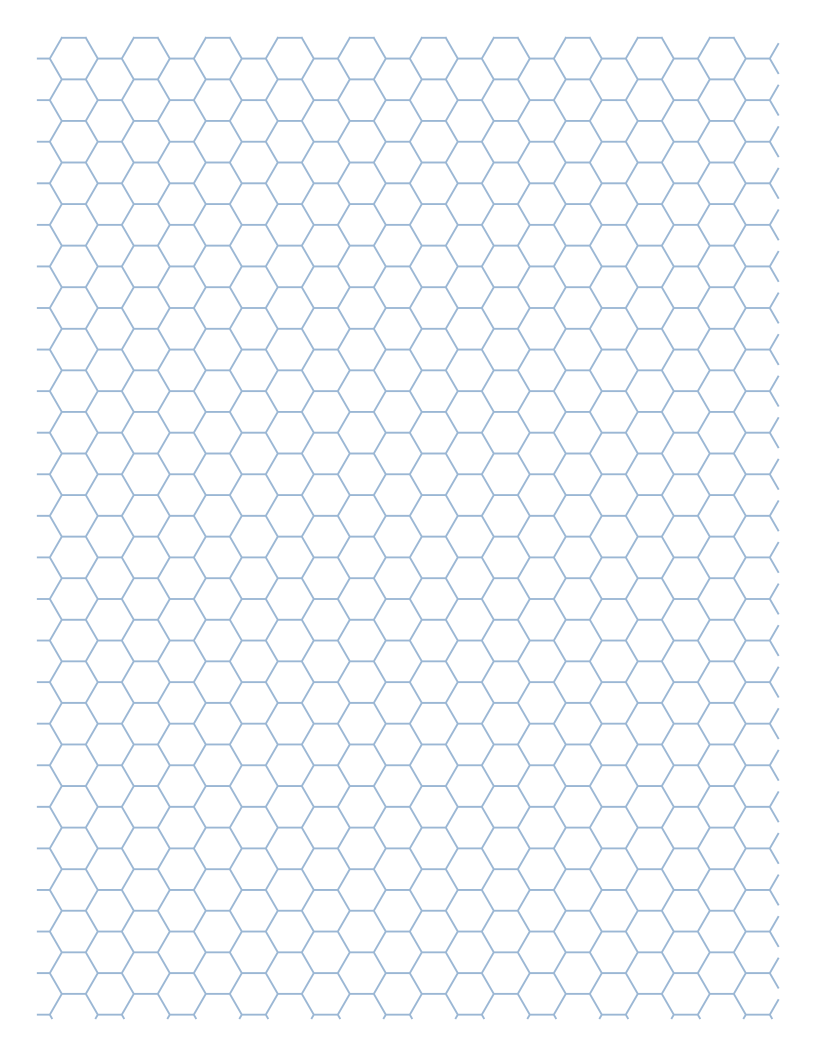 Hexagonal Graph Paper
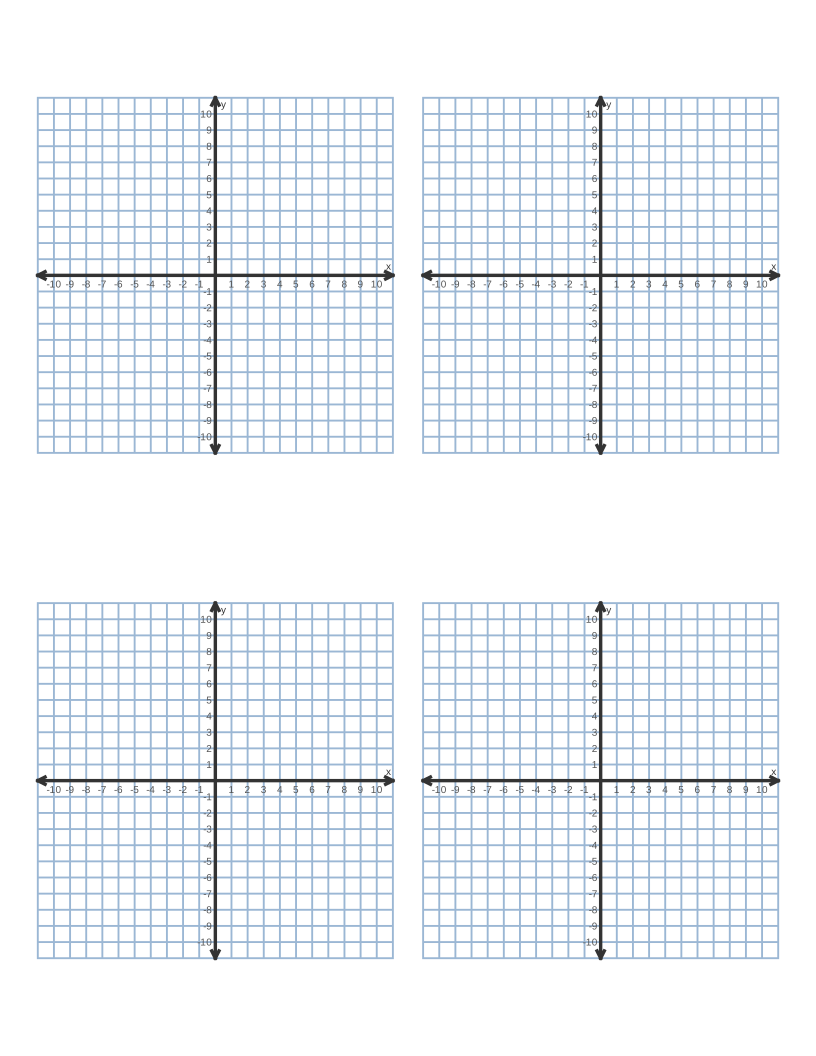 Coordinate Plane Graph Paper
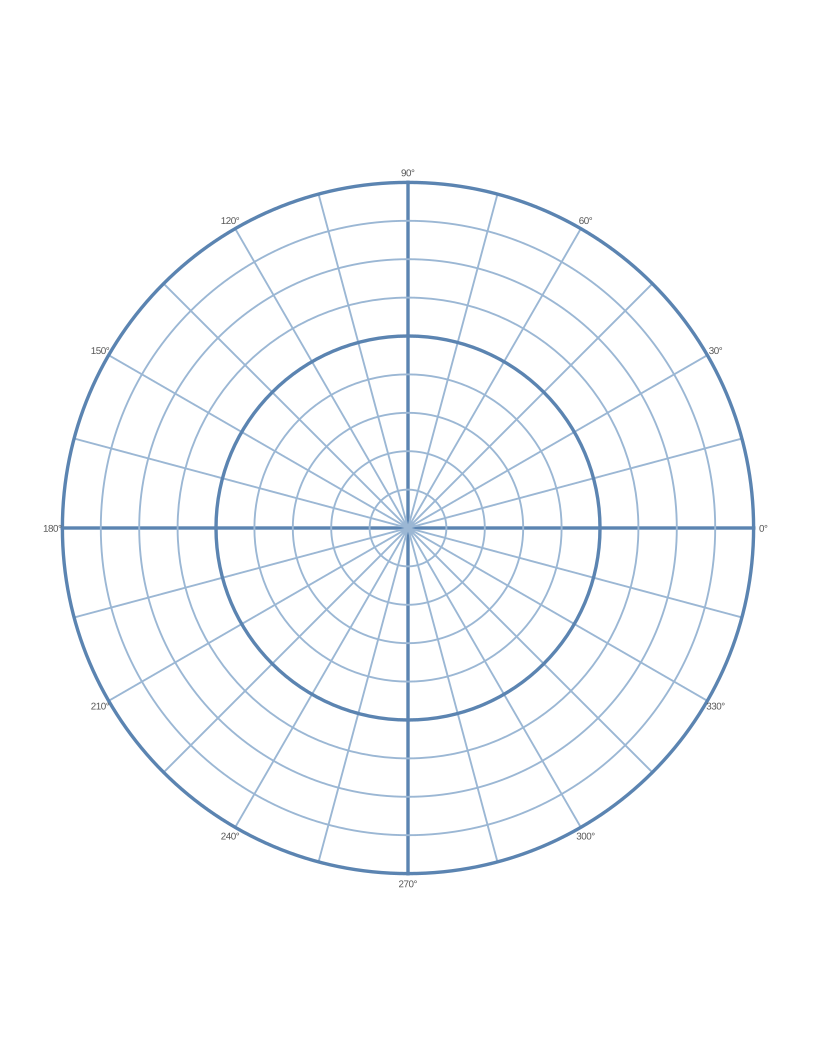 Polar Graph Paper
 Printable Lined Paper
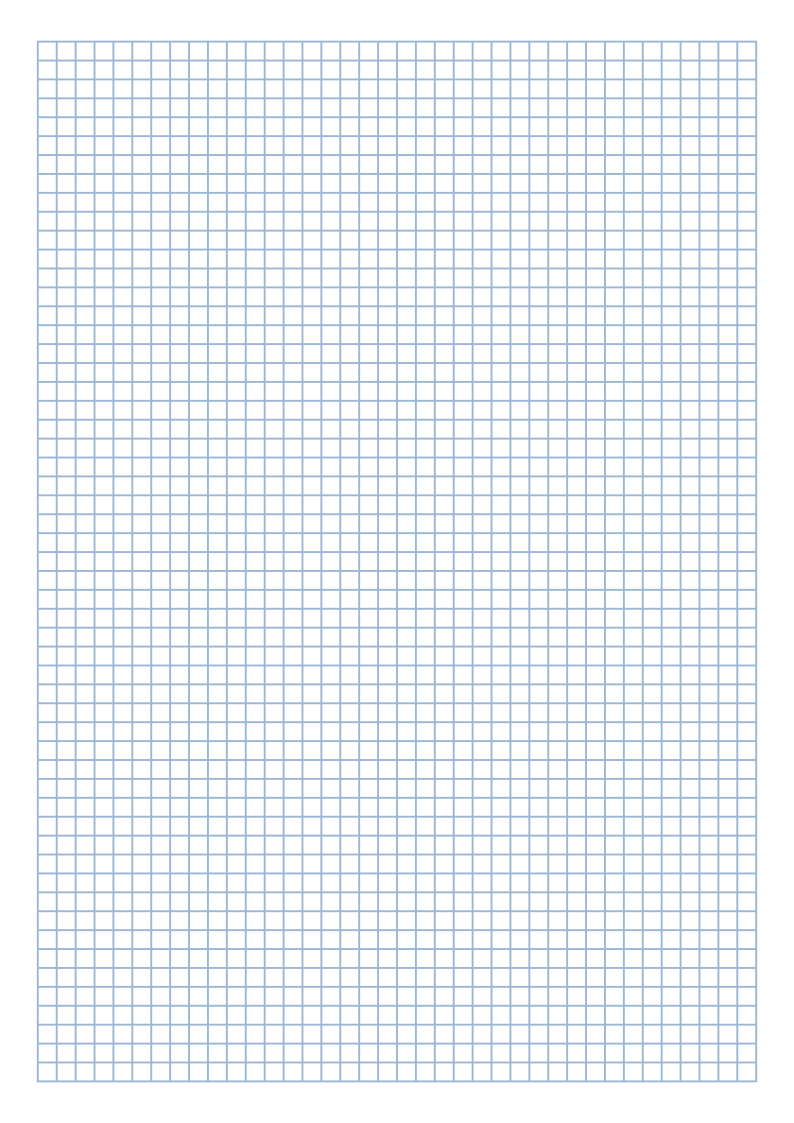 A4 Graph Paper
Frequently asked questions
How do I print graph paper at the correct size?
Download the PDF and print it at "Actual size" or "100%". If your print dialog is set to "Fit to page" or "Shrink oversized pages", the grid will be scaled down slightly.
What is the most common graph paper size?
In the US the most common grid is 1/4 inch (4 squares per inch), often called quad paper. Outside the US, 5 mm squares on A4 paper are the standard.
Is this graph paper free to use?
Yes. You can print as many copies as you like for school, work or personal projects.
Can I make graph paper with thicker lines every few squares?
Yes. Set "Bold line every" to 5 or 10 squares. This makes it much easier to count squares and read coordinates.