
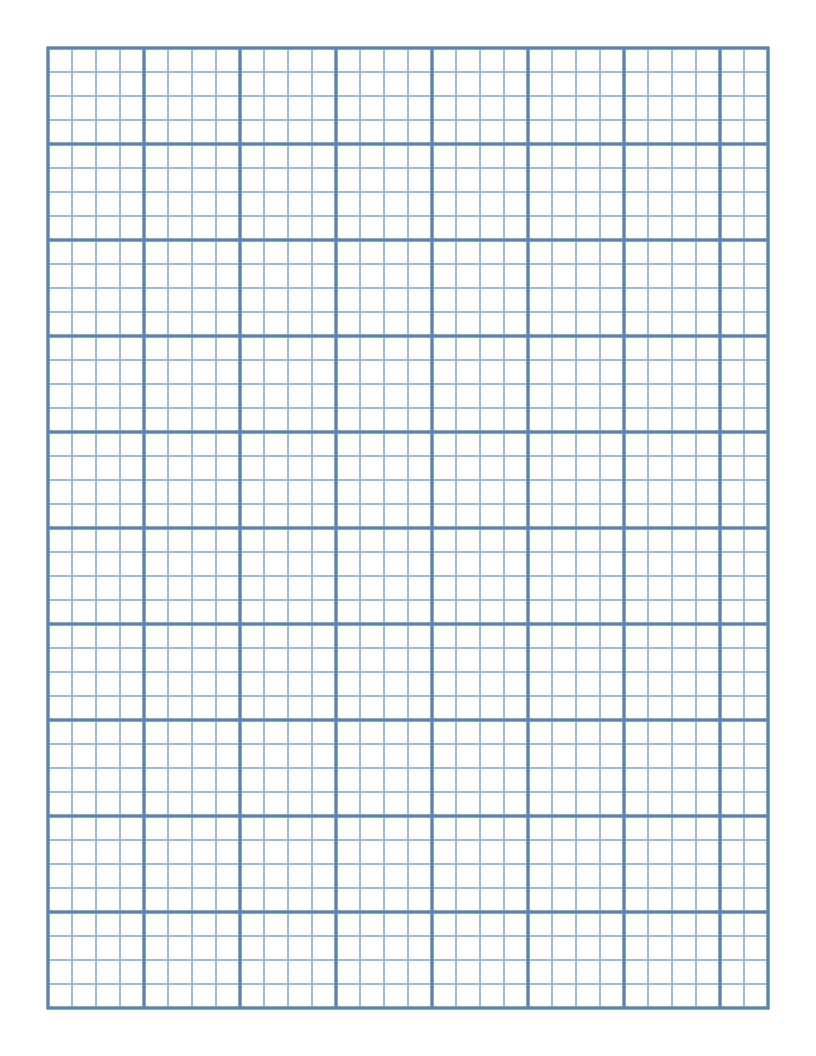
Tip: for millimetre graph paper used in science and engineering, choose 1 mm or 2 mm spacing with a bold line every 5 or 10 squares.
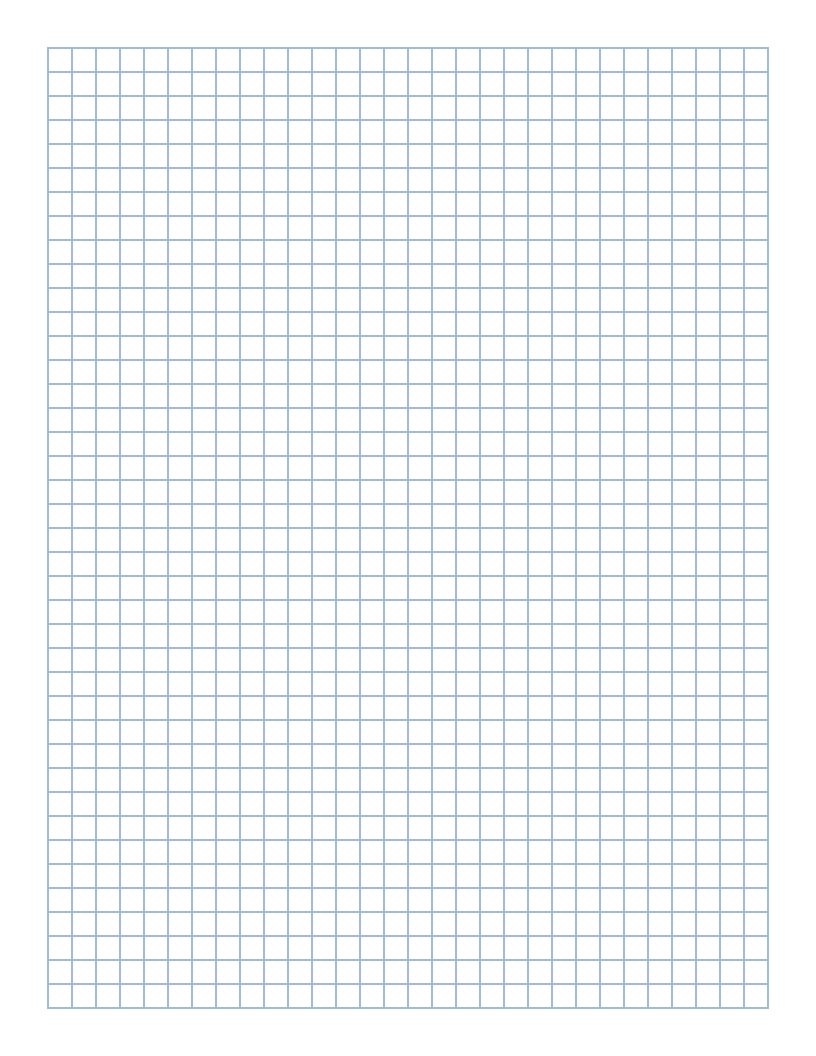
For a classroom line graph, start with 5 mm spacing and 10 mm margins: the portrait sheet holds 38 complete squares across and 55 down. Reserve a few squares along the left and bottom for axis labels. If your horizontal scale is one square per minute, mark 0, 1, 2 and so on at equal intervals; put the measured quantity and its unit on the vertical axis. Grid spacing and the units represented by a square are different choices.
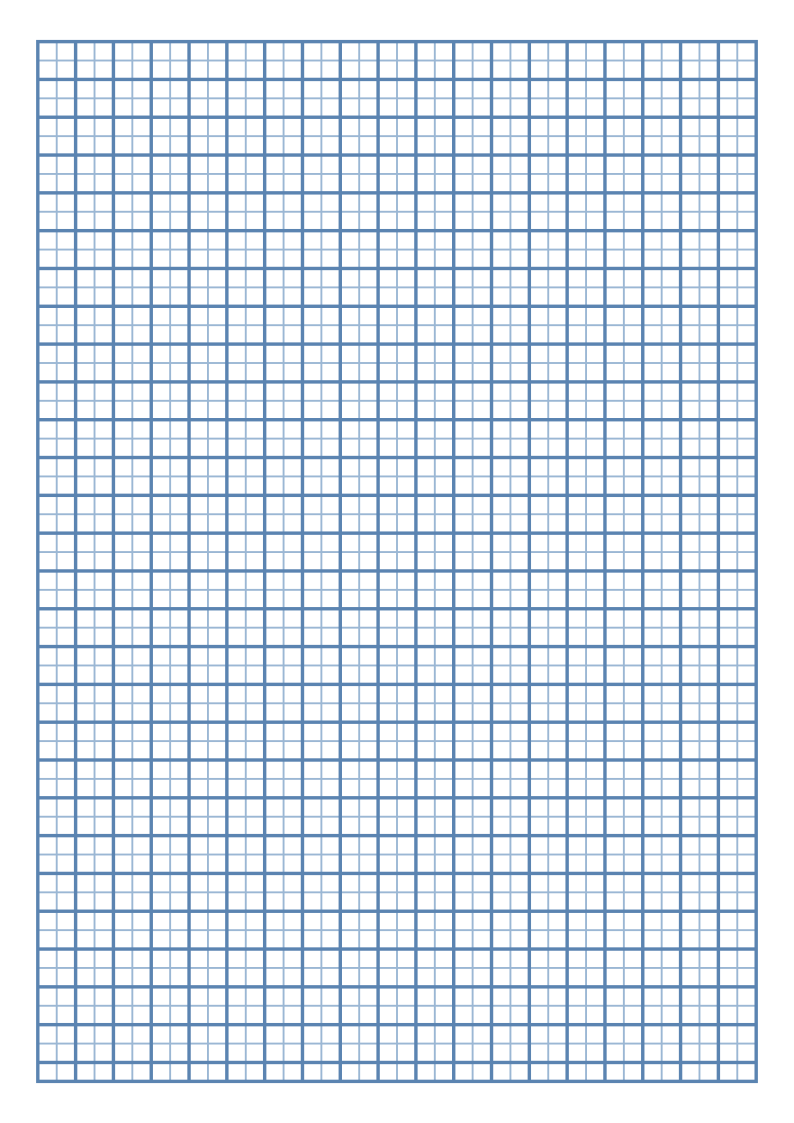
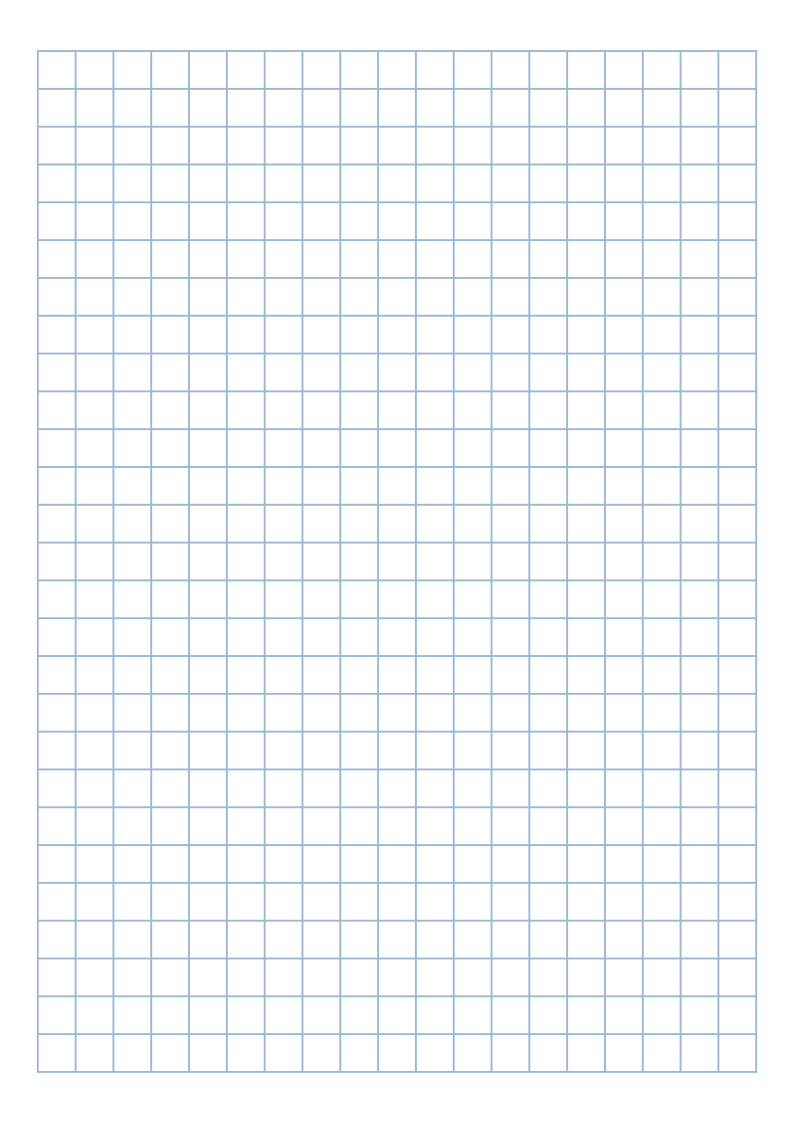
Choose 1 cm squares when you need more room for handwriting, 5 mm for ordinary plotting, or 2 mm for a dense set of points. If a graph needs more horizontal space, switch to Landscape before downloading rather than stretching a printed image. Changing the paper size or margins changes the space available for your graph.
Before printing several copies, match A4 in both the generator and the printer dialog, choose Actual size or 100%, and measure ten 5 mm squares: they should span 50 mm. If they do not, check scaling and paper size and print another test. A full-page preview on a screen is not a ruler; use the downloaded PDF and the printed check.
What people use it for
- School maths in the UK, Europe and Australia
- Millimetre paper for science graphs
- Technical drawings and design sketches
How to print it
- Choose the paper type, grid size and paper size above. The preview updates as you go.
- Click Download PDF (or Print to open it straight away).
- In the print dialog, set the scale to 100% or Actual size and match the PDF paper size to the paper in the tray. Measure a known grid length with a ruler before using the printout for scale work.
More free templates
 Free Printable Graph Paper
 Printable Grid Paper
 1/4 Inch Graph Paper (Quad Paper)
 5mm Graph Paper
 1 cm Graph Paper (Centimeter Grid)
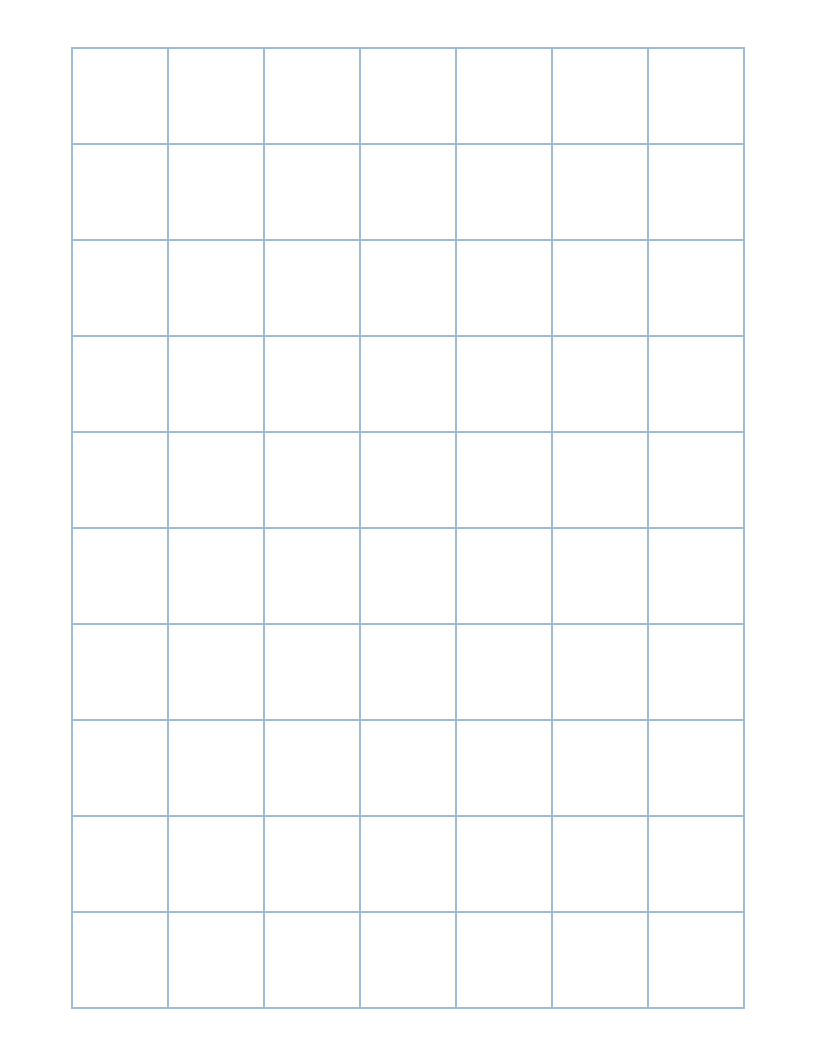 1 Inch Graph Paper
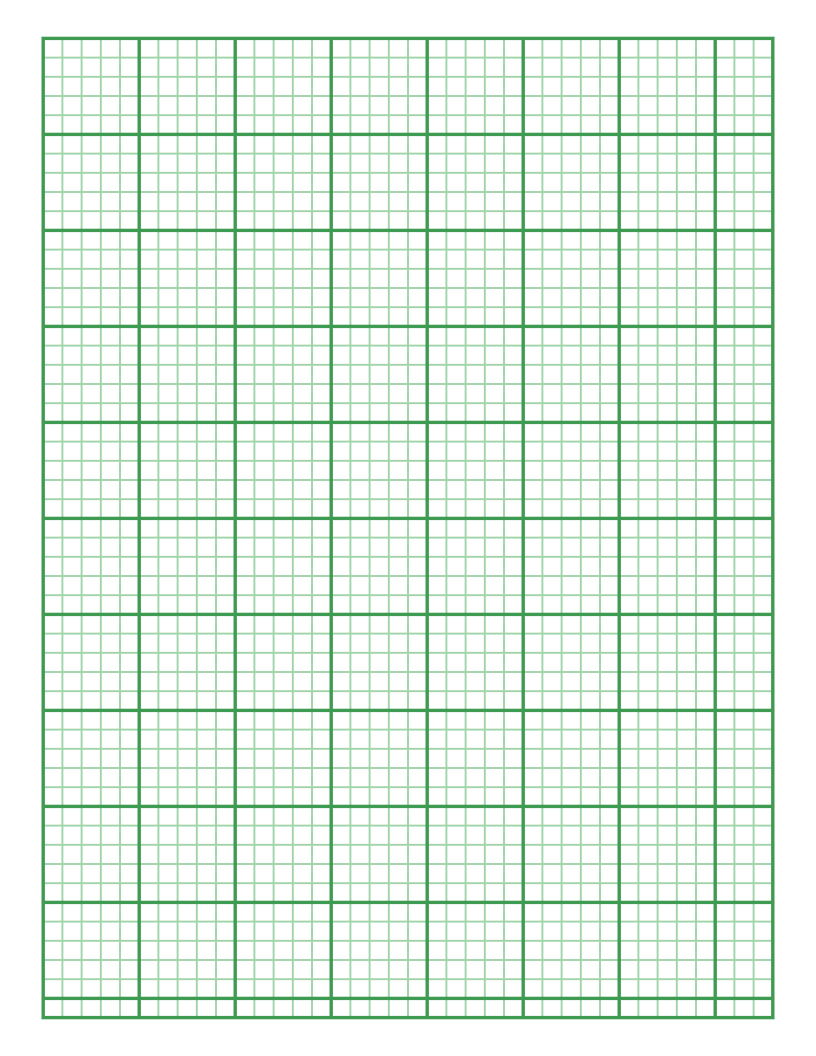 Engineering Paper
 Dot Grid Paper
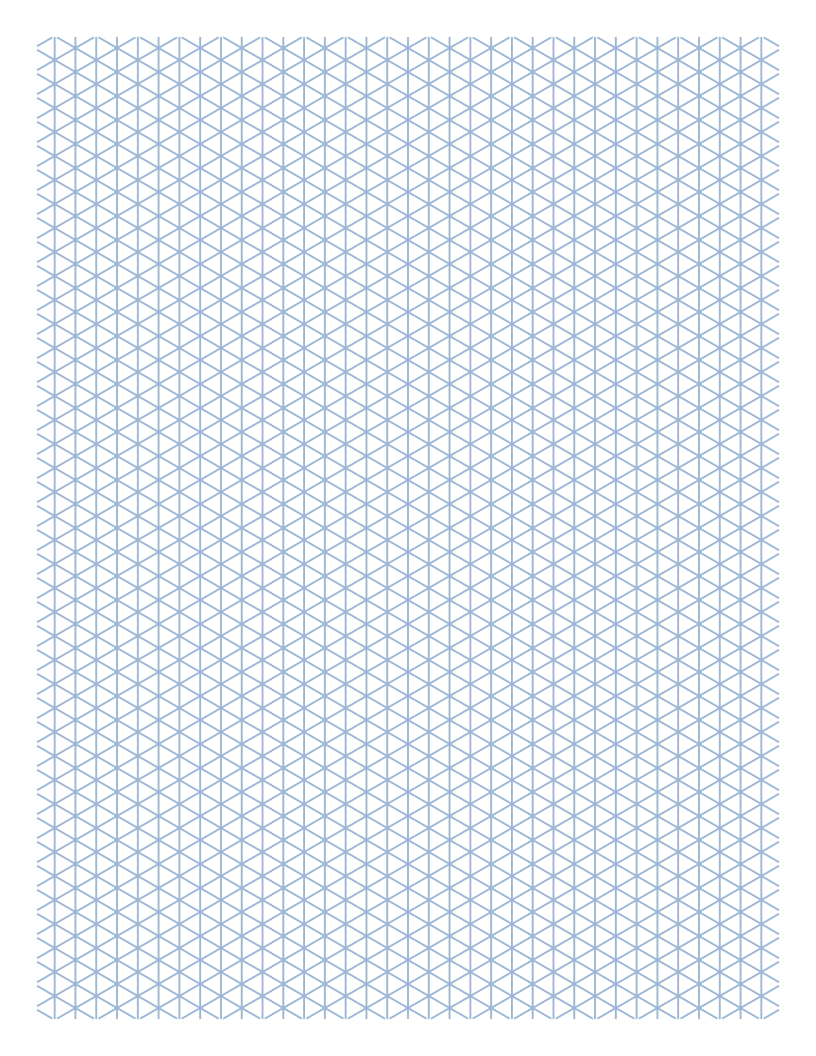 Isometric Graph Paper
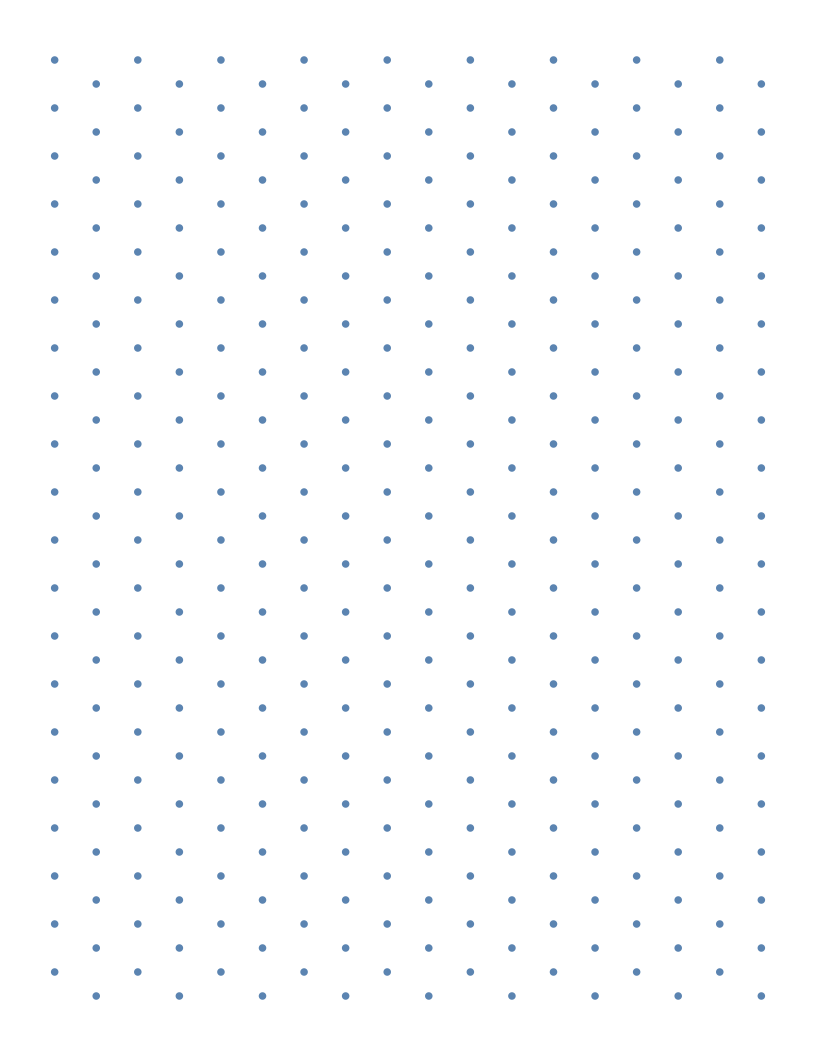 Isometric Dot Paper
 Hexagonal Graph Paper
 Coordinate Grid Paper
 Polar Graph Paper
 Printable Lined Paper
 1/8 Inch Graph Paper
 1/2 Inch Graph Paper
 Millimeter Graph Paper
 2 mm Graph Paper
 10 Squares per Inch Graph Paper
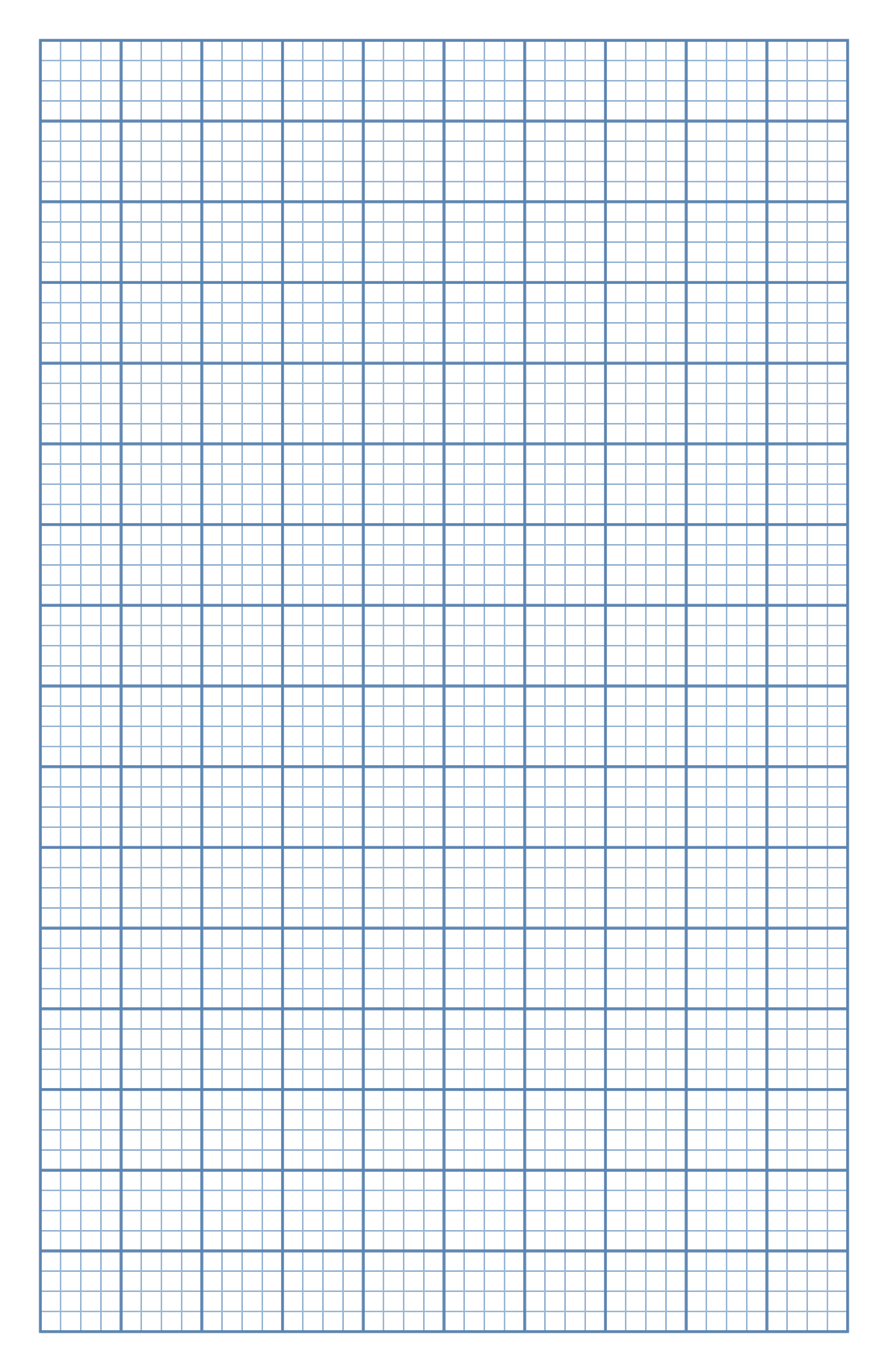 11 × 17 Graph Paper
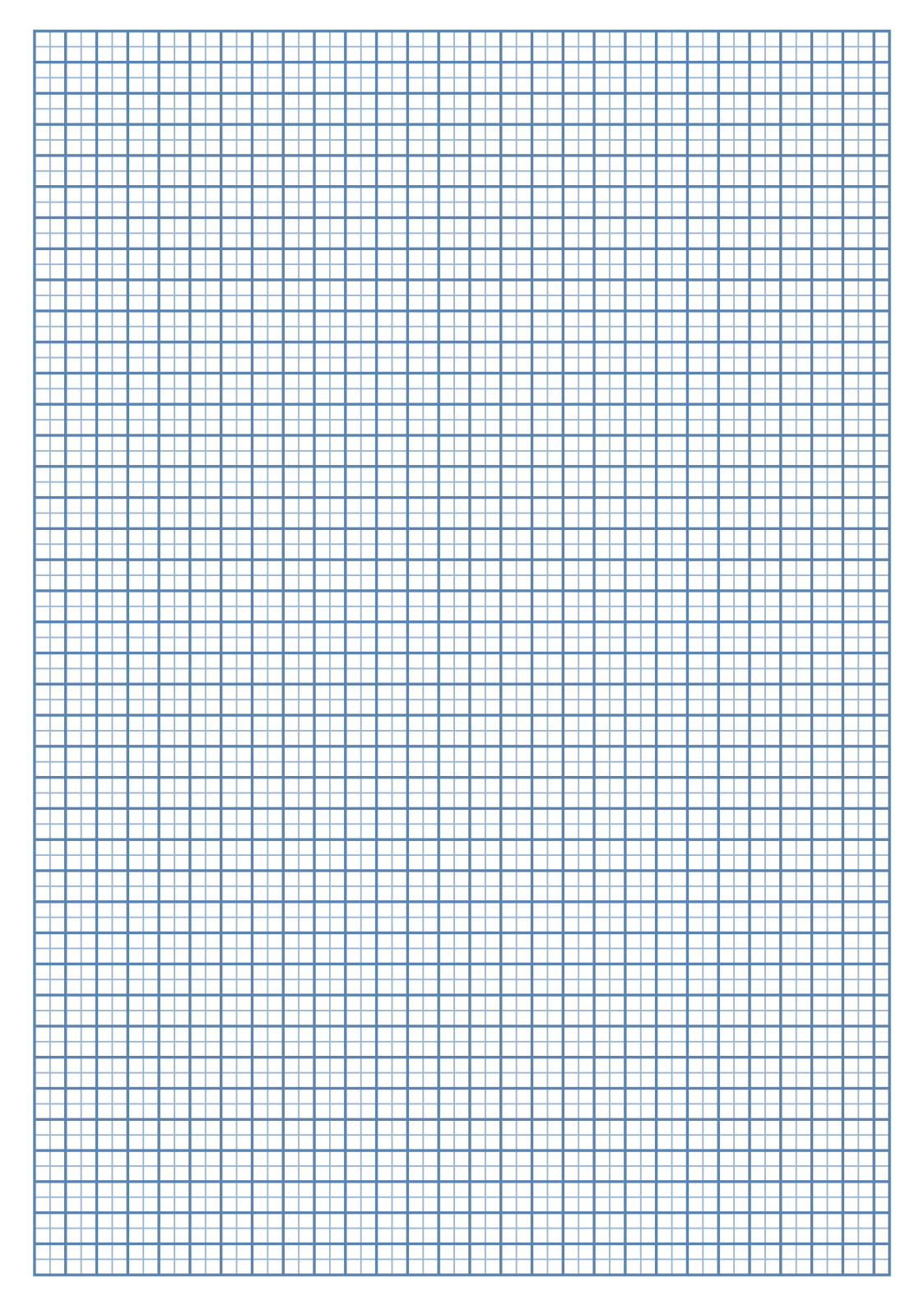 A3 Graph Paper
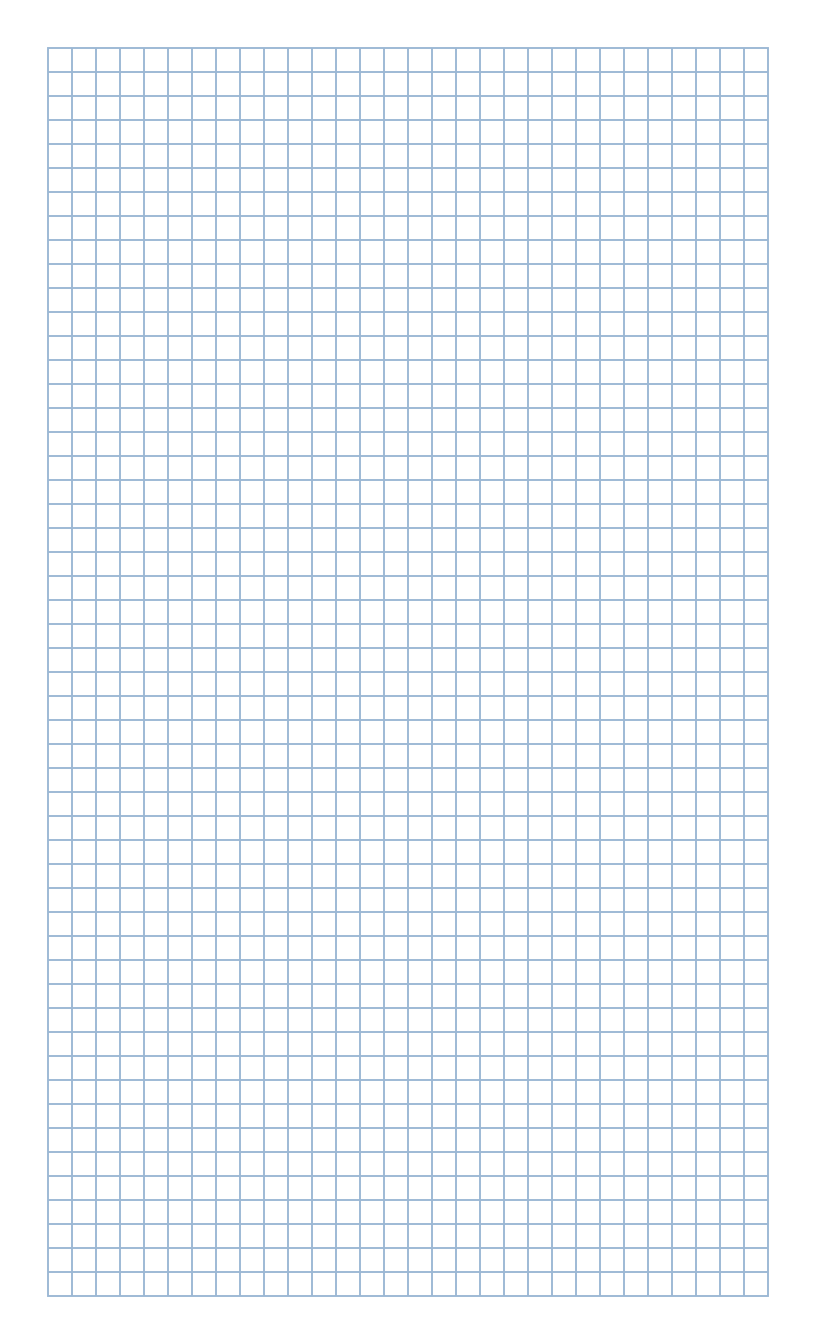 Legal Size Graph Paper
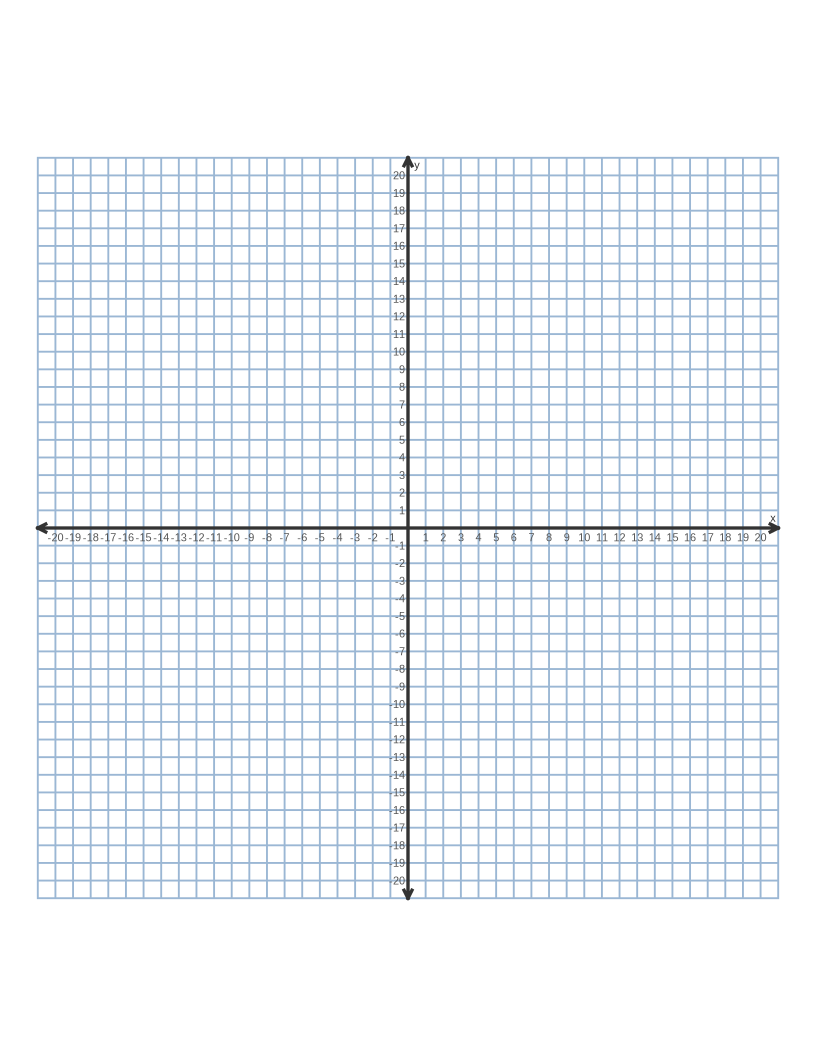 Graph Paper with Numbers
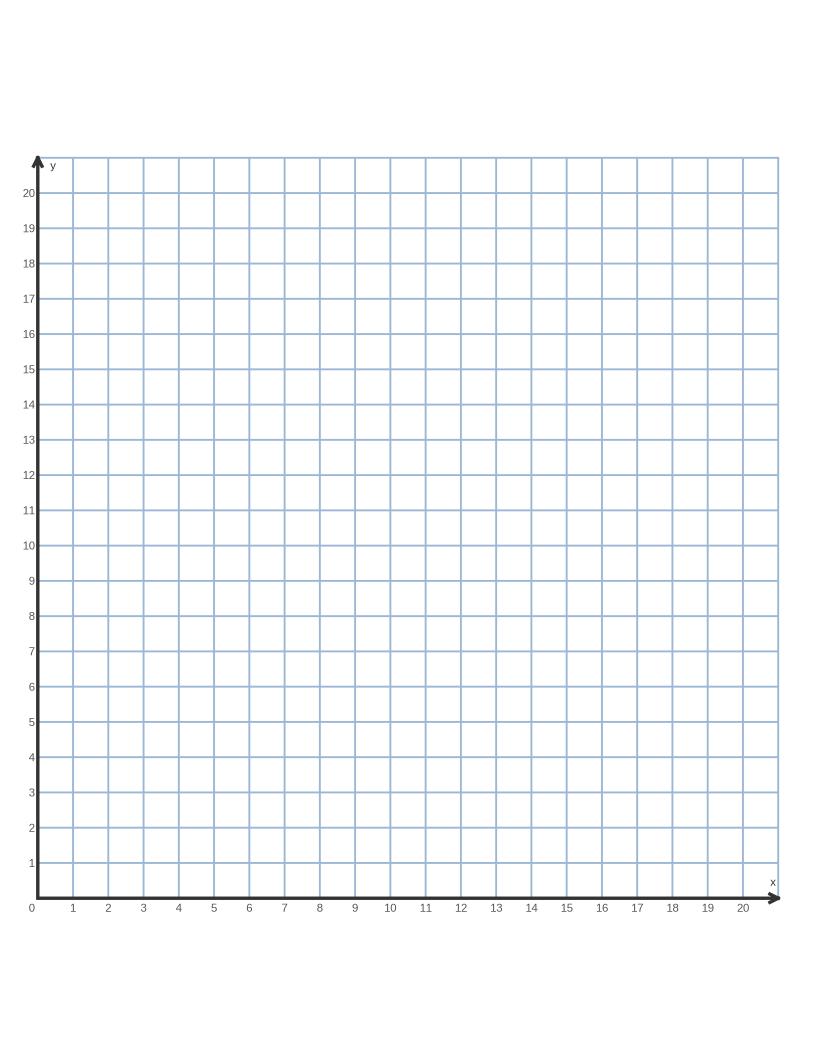 First Quadrant Graph Paper
 Printable Handwriting Paper
 Primary Writing Paper with Picture Box
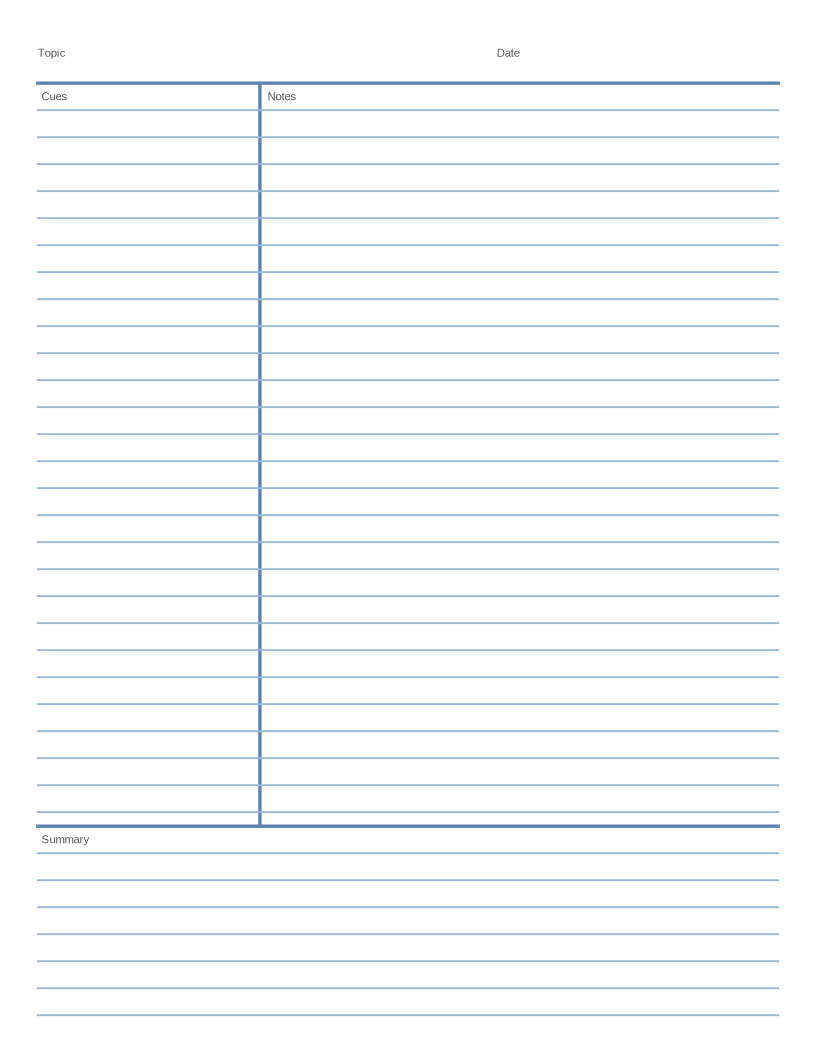 Cornell Notes Template
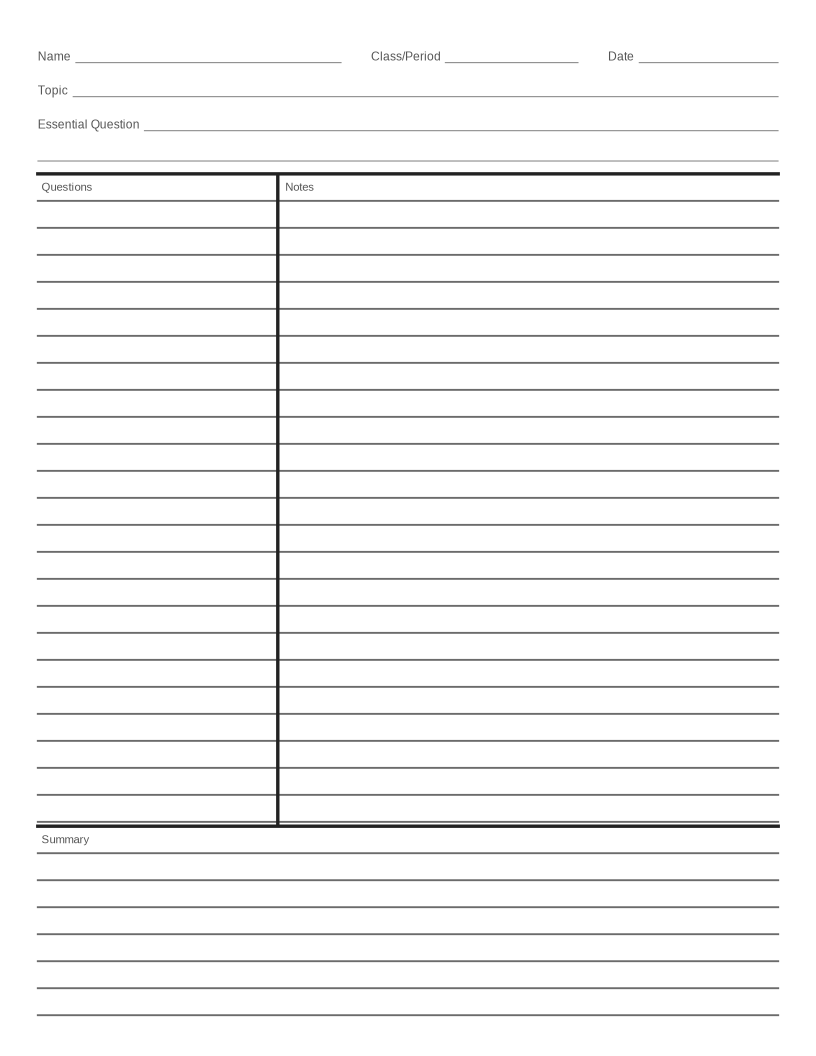 AVID Cornell Notes Template
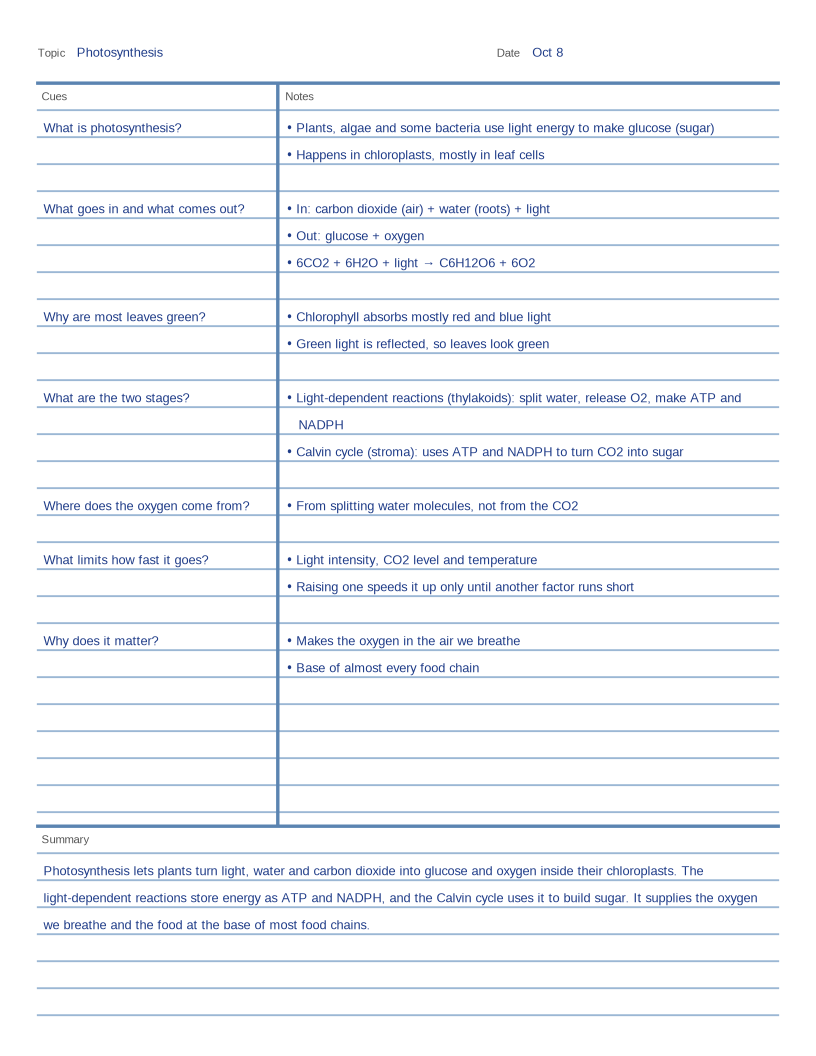 Cornell Notes Examples
 Blank Sheet Music (Music Staff Paper)
 Printable Storyboard Template
Frequently asked questions
Will A4 graph paper print correctly on a US printer?
Only if the printer is loaded with A4 paper. If you use US Letter paper, choose the Letter size instead so the grid is not cropped or scaled.